• Categories
    Category
    {{ postCtrl.tags }}
    • {{ category.tag_type }}

      • {{tag.tag_name}}
      • View more
  • Categories
    Category
    {{ postCtrl.tags }}
    • {{ category.tag_type }}

      • {{tag.tag_name}}
      • View more
  • News
  • Tutorials
  • Forums
  • Tags
  • Users
Tutorial News Comments FAQ Related Articles

How to install vtiger crm V.7.0.1 on Linuxmint-18.03

{{postValue.id}}

To install vtiger crm V.7.0.1 on Linuxmint-18.03
vTiger CRM is an all-in-one, open source, cross-platform, web-based, modular, customer relationship management system for sales force automation, customer support & service, and marketing automation and it helps you to run your own business. Some of the features included in vTiger CRM are lead management, account and contact management, campaign management, project management, customer support and service, emails, etc. vTiger can be connected to other enterprise resource planning (ERP) systems to integrate already existing data.


Pre-requirements


Install LAMP (Apache, php7.1, mariadb-server)
In MariaDB (create database, user and give privileges to the user)


FOR PHP INSTALLATION

apt install php7.1 libapache2-mod-php7.1 php7.1-common php7.1-mbstring php7.1-xmlrpc php7.1-soap php7.1-gd php7.1-xml php7.1-intl php7.1-mysql php7.1-cli php7.1-mcrypt php7.1-ldap php7.1-zip php7.1-curl


Download and extract the Vtiger crm package

Move the vtigercrm directory into the /var/www/html directory

linuxhelp ~ # ls
vtigercrm  vtigercrm7.0.1.tar.gz
linuxhelp ~ # mv vtigercrm /var/www/html/


Go to /var/www/html directory

linuxhelp ~ # cd /var/www/html/
linuxhelp html # ls
index.html  vtigercrm


Change ownership and permission for the vtigercrm directory

linuxhelp html # chown -R www-data:www-data vtigercrm/   chmod -R 775 vtigercrm/

Configure the virtual host for vtiger crm. Create an empty file named vtigercrm.conf

linuxhelp html # cd /etc/apache2/sites-available/
linuxhelp sites-available # vim vtiger.conf
< virtualhost *:80> 
servername  www.linuxhelp1.com
Documentroot  /var/www/html/vtigercrm/
< Directory /var/www/html/vtigercrm/> 
AllowOverride
order allow,deny
allow from all
< /Directory> 
< /virtualhost> 


Enable the vtiger conf file

linuxhelp sites-available # a2ensite vtiger.conf
Enabling site vtiger.
To activate the new configuration, you need to run
service apache2 reload

Enable the rewrite modules

linuxhelp sites-available # a2enmod rewrite 
Enabling module rewrite.
To activate the new configuration, you need to run
service apache2 restart

Make an entry to the hosts file as follows

linuxhelp sites-available # vim /etc/hosts
< give your local ip address>    <  give your domain name> 

Make the following changes in the php.ini file

linuxhelp sites-available # vim /etc/php/7.1/apache2/php.ini
memory_limit = 256M
upload_max_file_size = 64M
max_input_vars = 1500
date.timezone = America/Chicago

Restart the Apache web server

[root@linuxhelp1 html]# systemctl restart httpd.service 

Now you can proceed the further installation and configuration from the browser by navigating to the following URL: http://< ipaddress or domain name
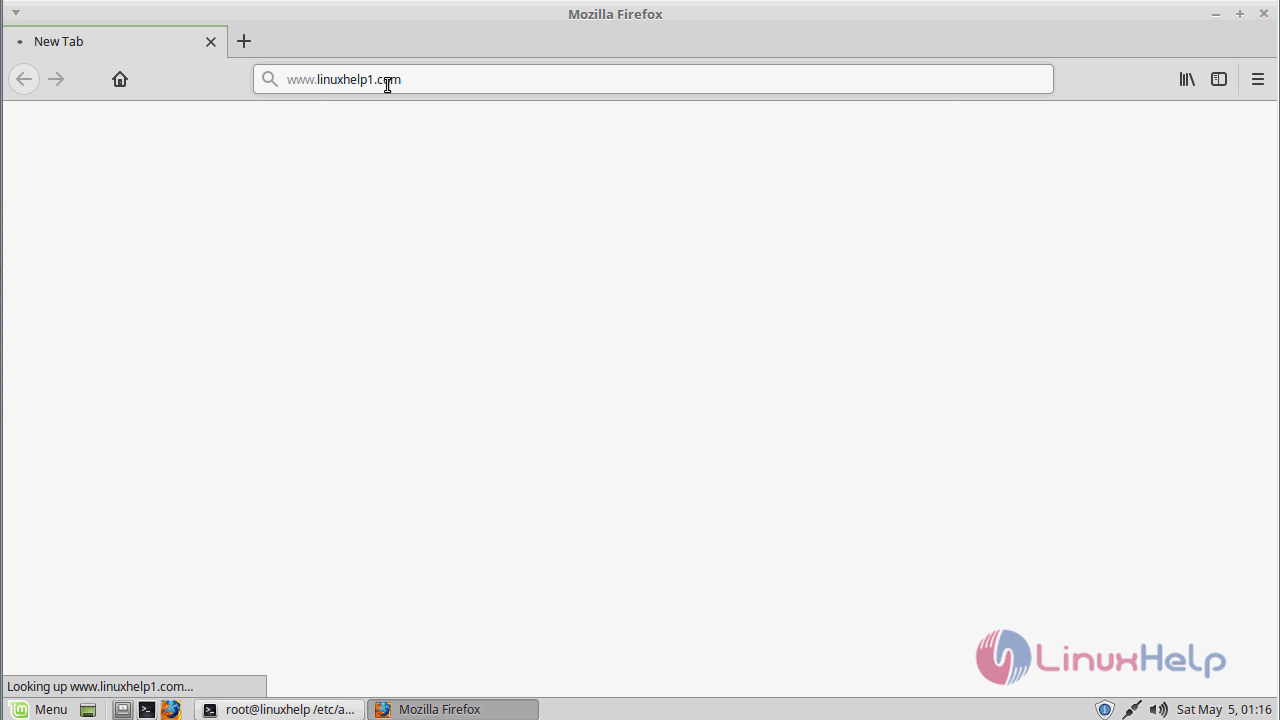
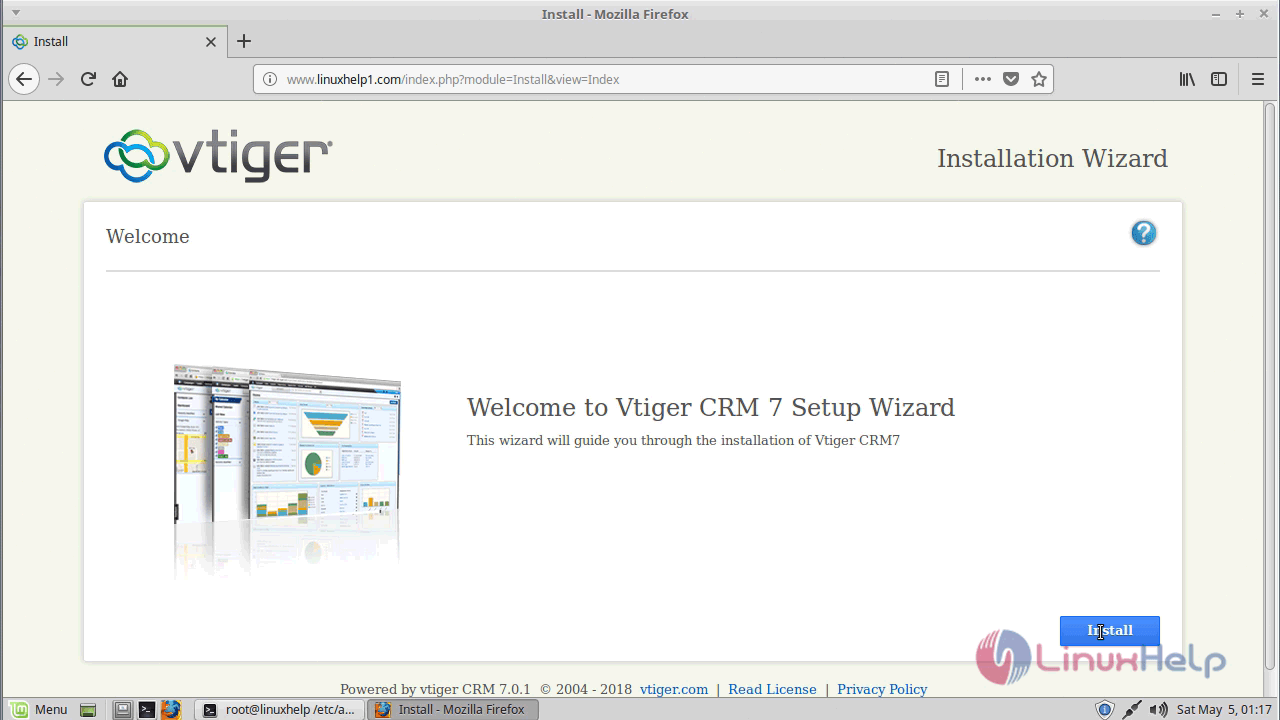
web_configuration

Welcome page of vtiger
setup_wizard

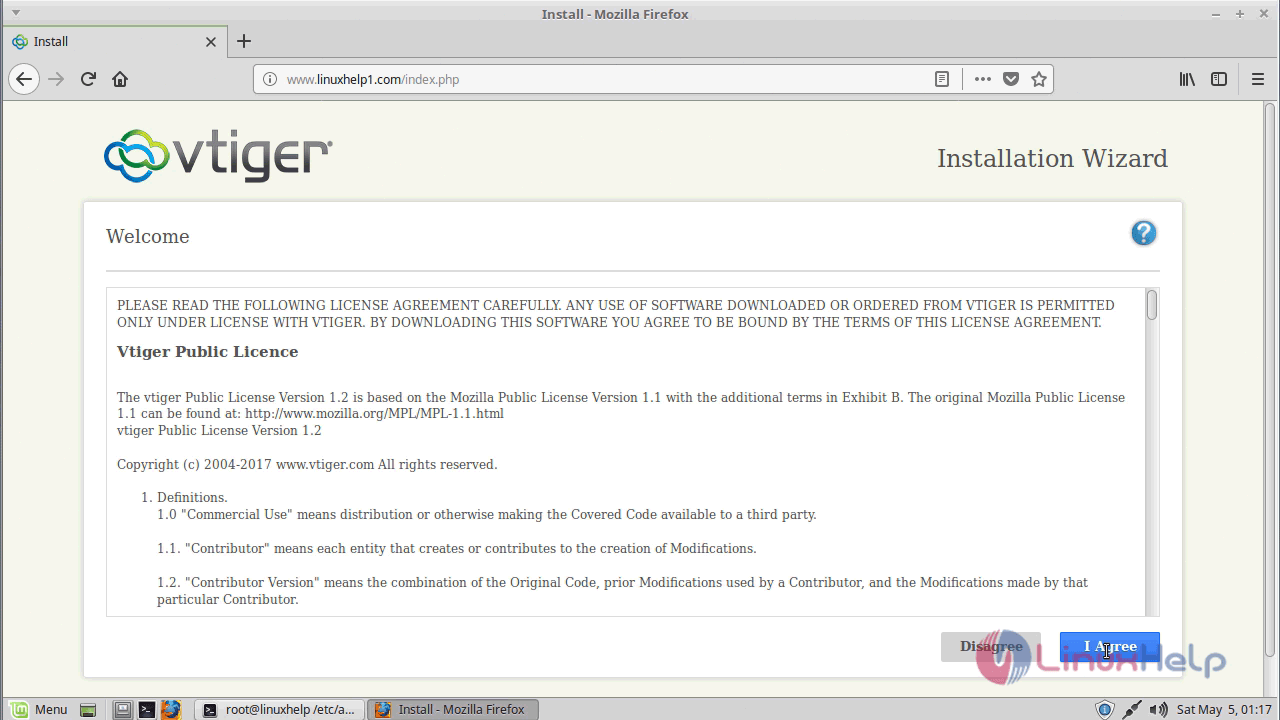
Accept the license agreement
license

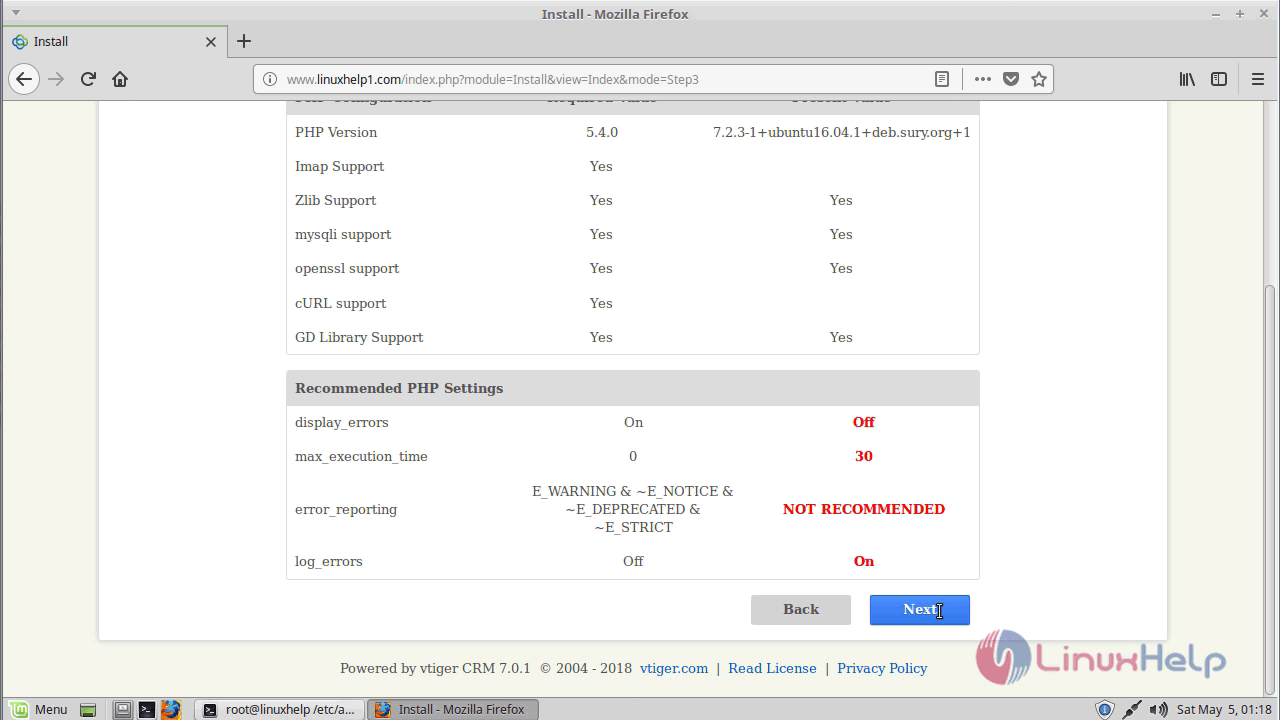
Verify the installation prerequisites
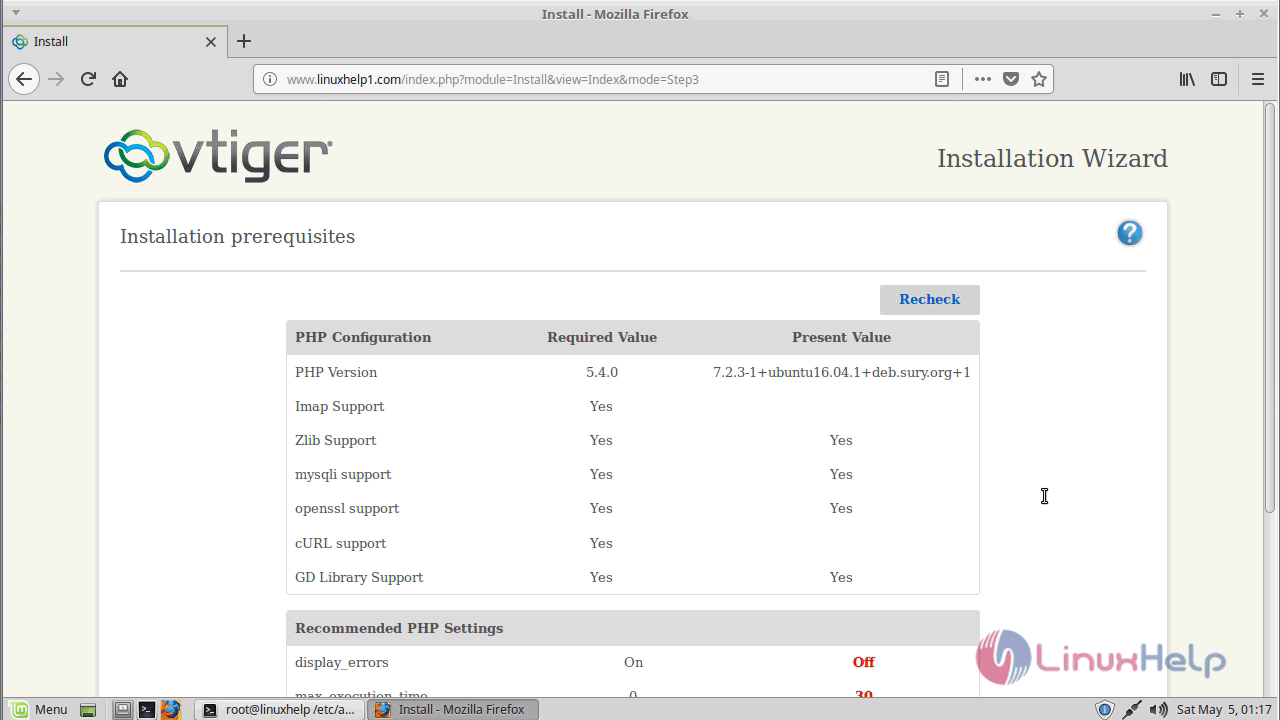
prerequiremnets

pre_req

Configure the database and admin user setting as follows
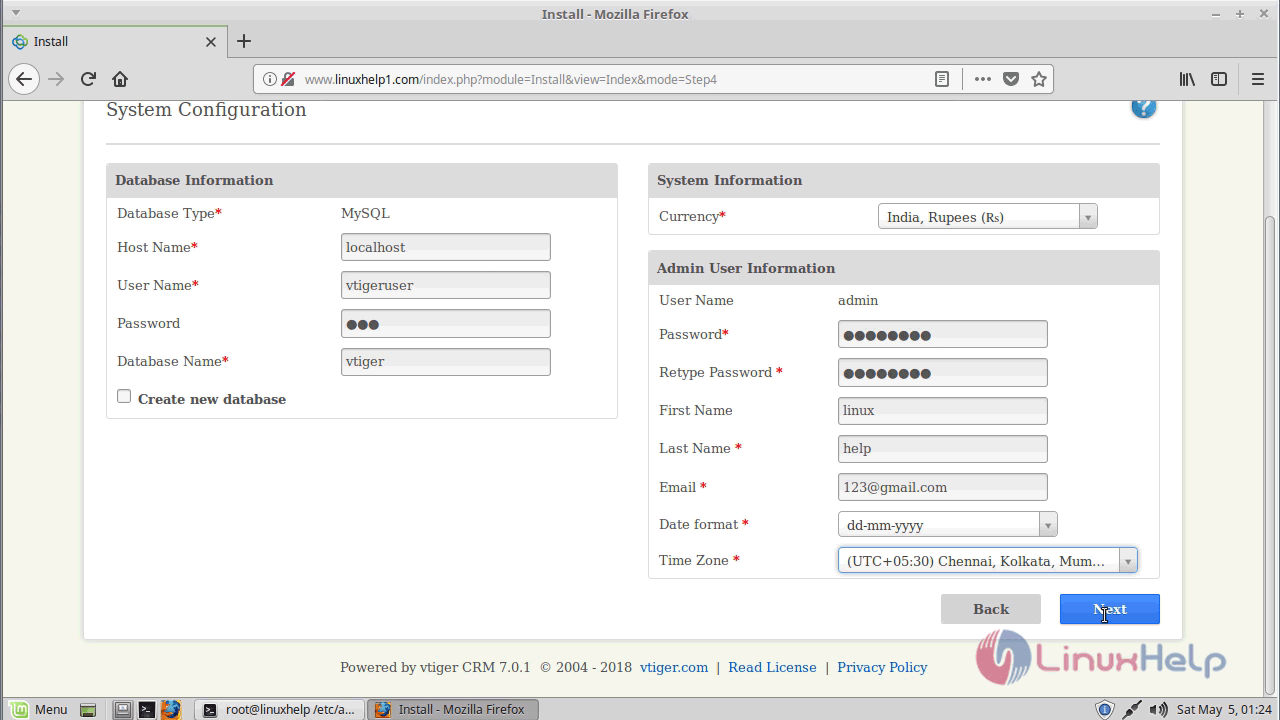
system_configuration

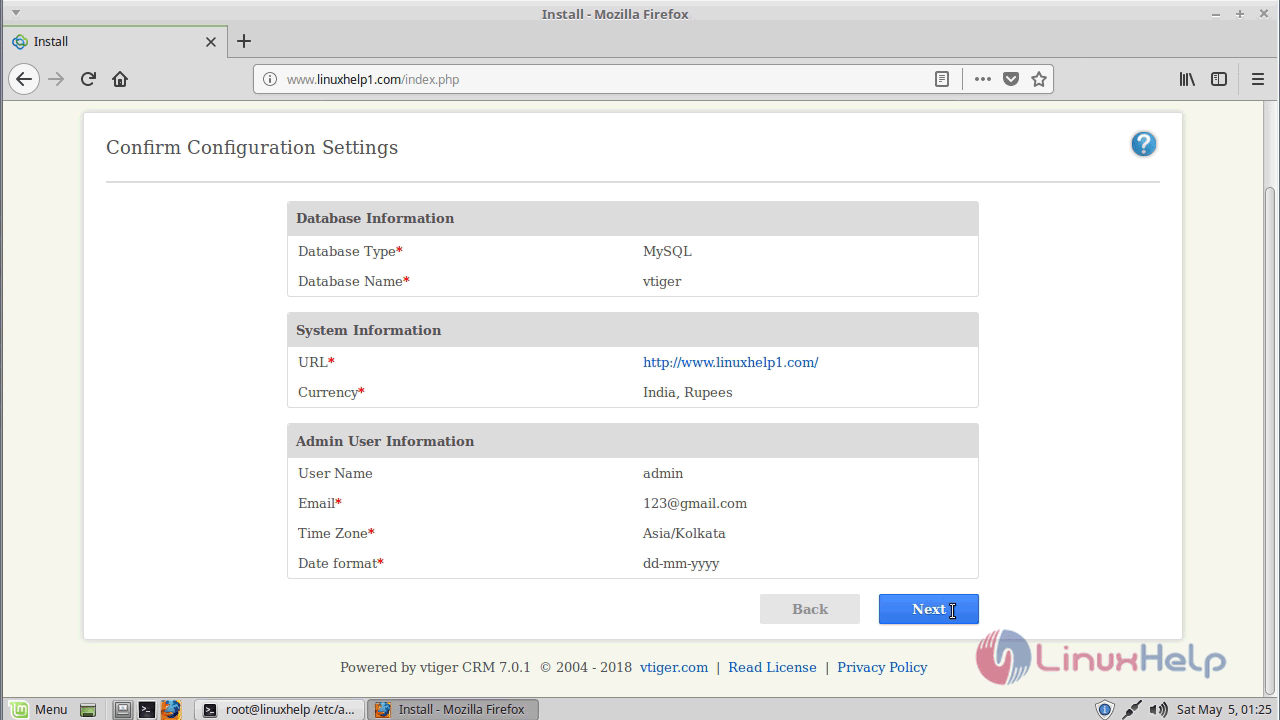
Verify the configuration settings
config_settings

Select industry type for the usage
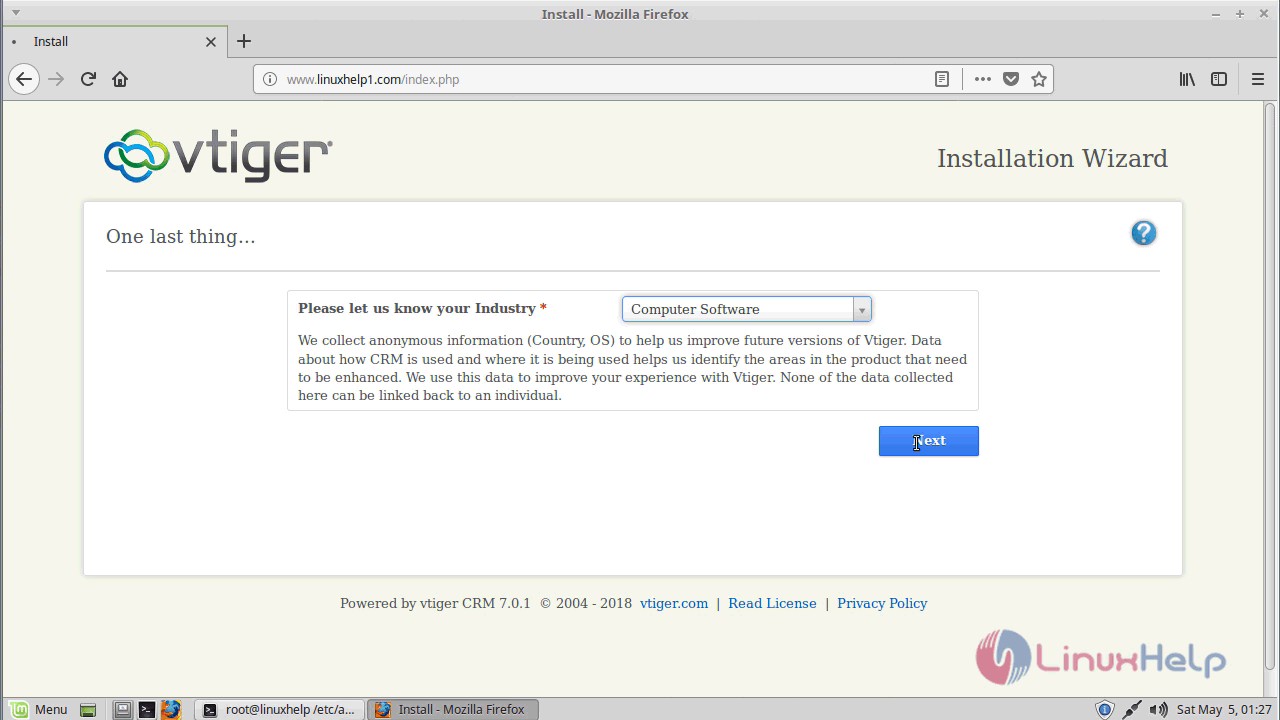
industry_type

You can see the progress of the installation as shown below.
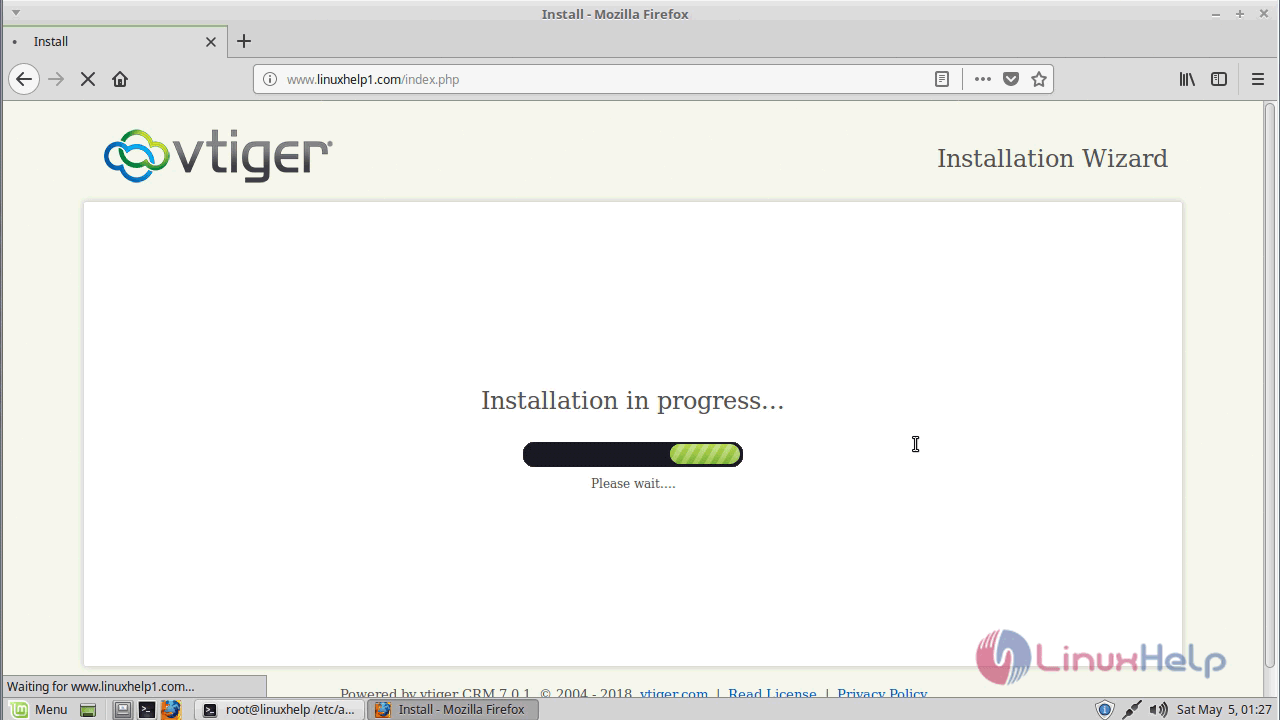
installation_progress

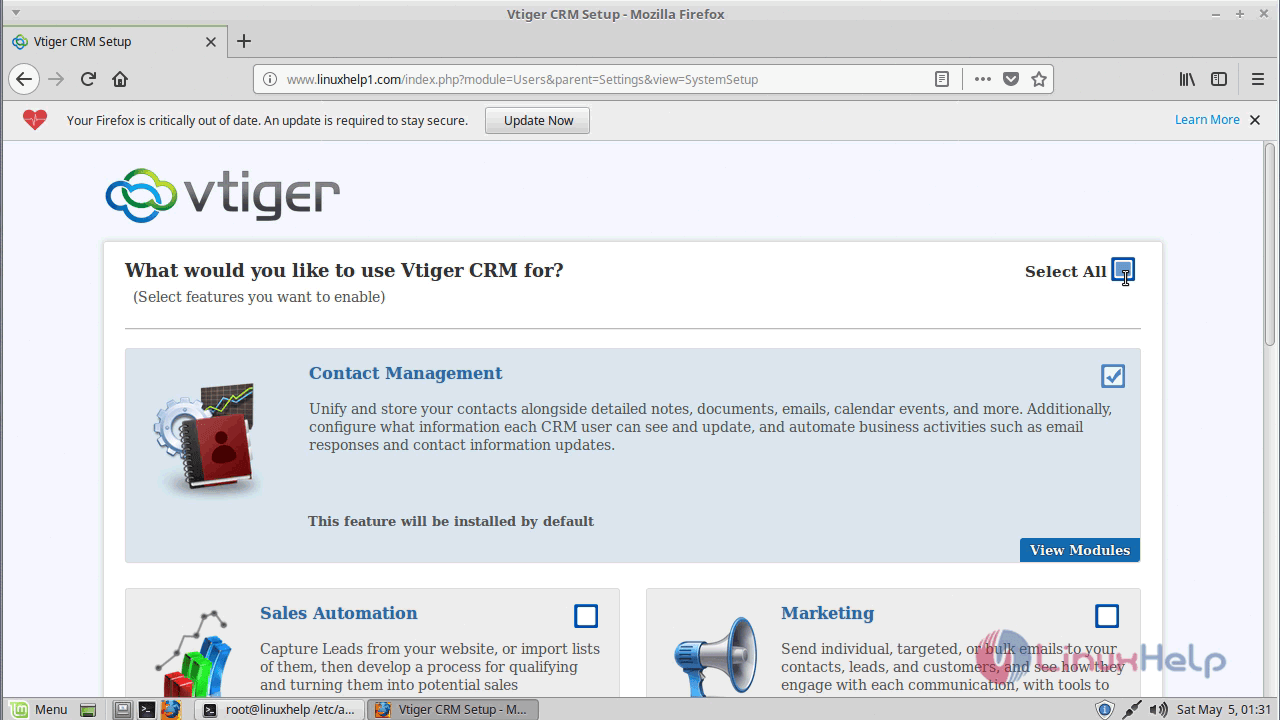
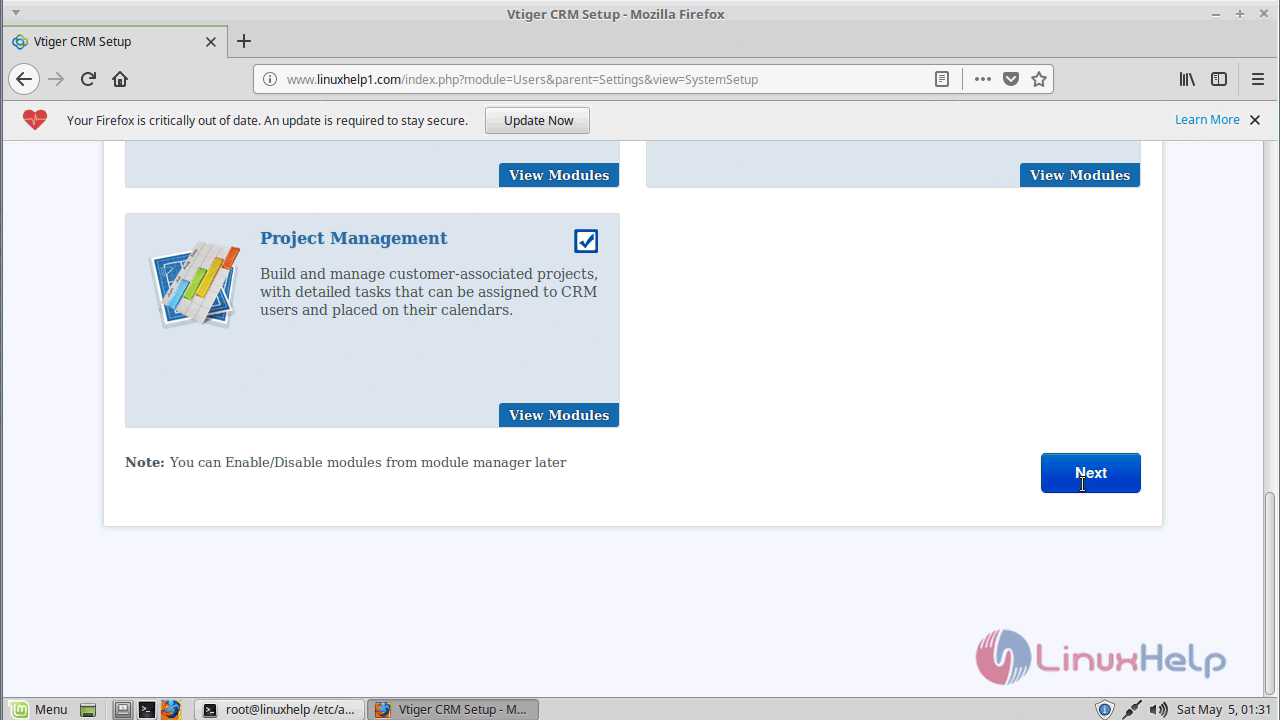
Choose your usage preference
usage


usage_type

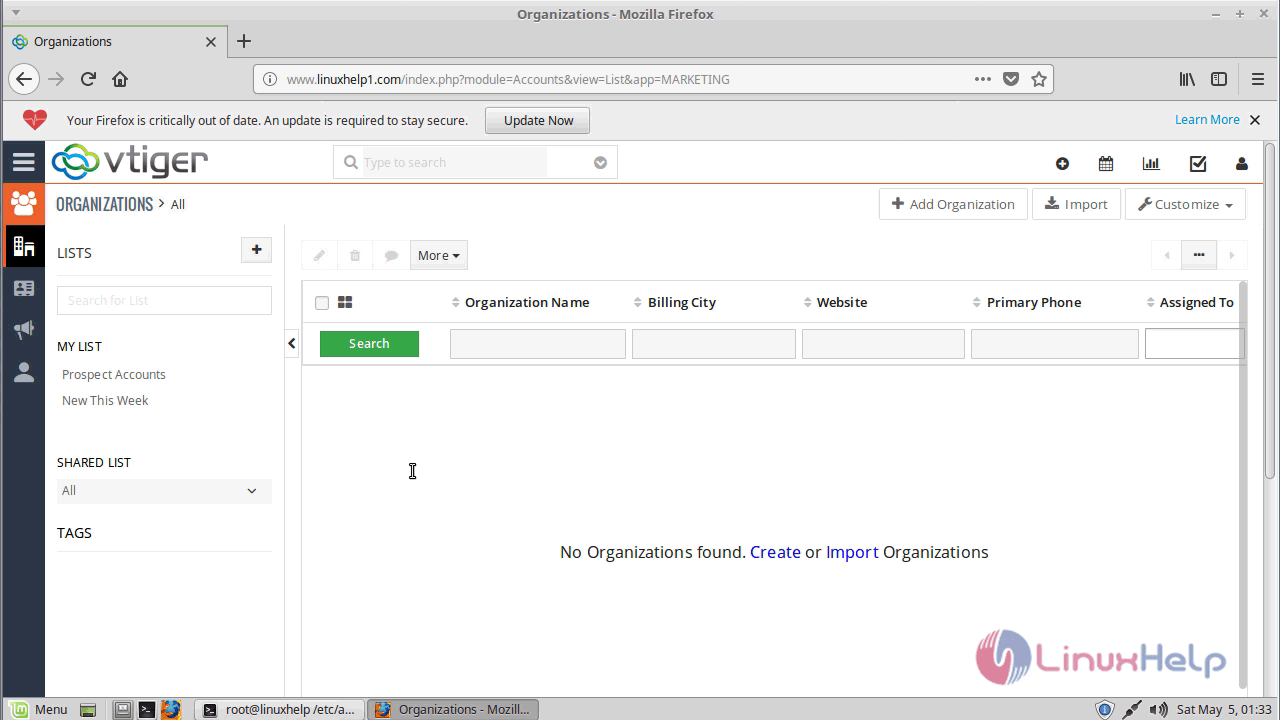
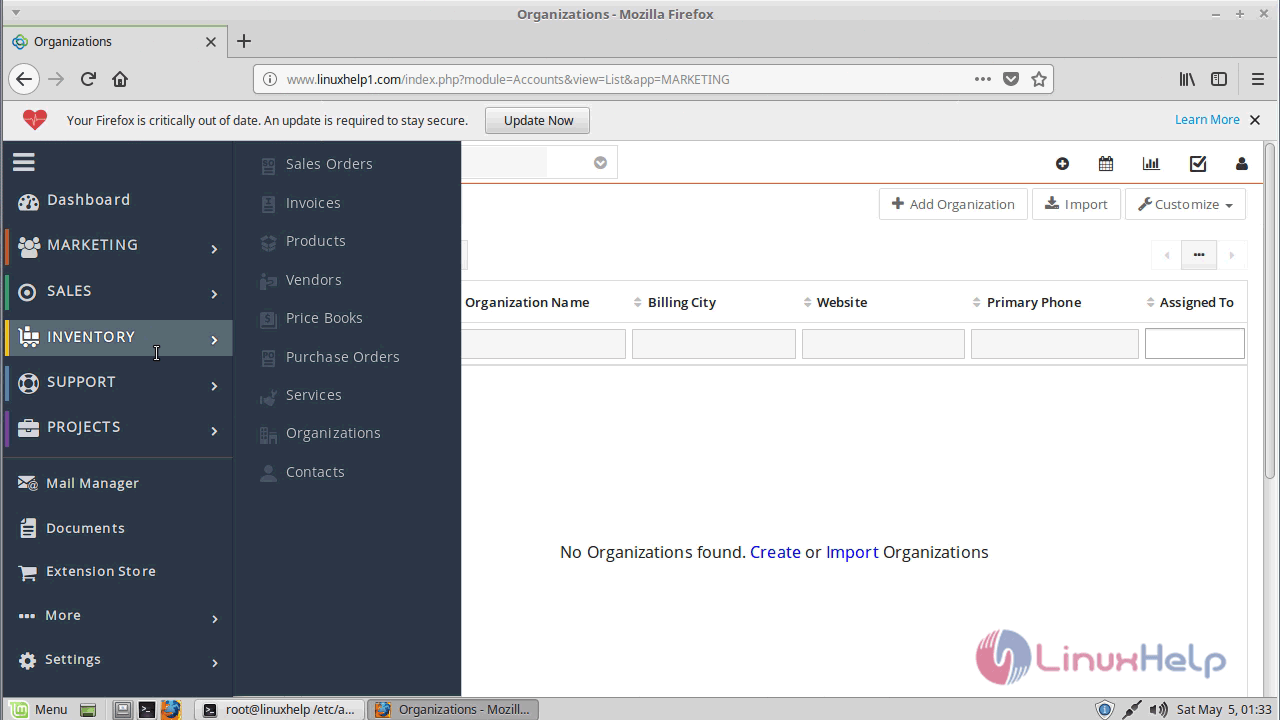
Admin page of vtiger crm
dashboard


inventory

With this, the method to install vtiger crm V.7.0.1 on Linuxmint-18.03 comes to an end.

Tags:
tommyhilten
Author: 

Comments ( 0 )

No comments available

Add a comment
{{postCtrl.cmtErrMsg}}

Frequently asked questions ( 5 )

Q

How can I import data from excel file into vtiger CRM?

A

You can import data from CSV files into vtigerCRM. Please save your excel sheet in CSV format and import the data using import option available in vtigerCRM.

Q

How can I move vtiger from a windows server to a linux based hosted server?

A

You have to export the database from the windows server and import it to the linux server. The easiest way to do this is through phpMyAdmin. Once you export the database from the windows mach

Q

Is vtiger CRM On Demand available in other languages besides english?

A

Yes, vtiger CRM On Demand is available in many languages. Each user can select the language from the 'My Preferences' page. vtiger CRM On Demand is currently available in these languages - En

Q

What is vtiger crm?

A

vTiger CRM is an all-in-one, open source, cross-platform, web-based, modular, customer relationship management system for sales force automation, customer support & service, and marketing automation and it helps you to run your own business. Some of the features included in vTiger CRM are lead management, account and contact management, campaign management, project management, customer support and service, emails, etc.

Q

What are the Pre-requirements in vtiger crm?

A

The requirements are,
Install LAMP (Apache, php7.1, mariadb-server)
In MariaDB (create database, user and give privileges to the user)

Back To Top!
Rank
User
Points

Top Contributers

userNamenaveelansari
135850

Top Contributers

userNameayanbhatti
92510

Top Contributers

userNamehamzaahmed
32150

Top Contributers

1
userNamelinuxhelp
31040

Top Contributers

userNamemuhammadali
24500
Can you help Ganesh Konka ?
Zentya 6.1 http proxy configuration

please send link for creating zentyal 6.1 for http proxy and firewall as gateway.

Networking
  • Routing
  • trunk
  • Netmask
  • Packet Capture
  • domain
  • HTTP Proxy
Server Setup
  • NFS
  • KVM
  • Memory
  • Sendmail
  • WebDAV
  • LXC
Shell Commands
  • Cloud commander
  • Command line archive tools
  • last command
  • Shell
  • terminal
  • Throttle
Desktop Application
  • Linux app
  • Pithos
  • Retrospect
  • Scribe
  • TortoiseHg
  • 4Images
Monitoring Tool
  • Monit
  • Apache Server Monitoring
  • EtherApe 
  • Arpwatch Tool
  • Auditd
  • Barman
Web Application
  • Nutch
  • Amazon VPC
  • FarmWarDeployer
  • Rukovoditel
  • Mirror site
  • Chef
Contact Us | Terms of Use| Privacy Policy| Disclaimer
© 2025 LinuxHelp.com All rights reserved. Linux™ is the registered trademark of Linus Torvalds. This site is not affiliated with linus torvalds in any way.