How to install Pycharm 2018.1 on Linuxmint 18.3
To install Pycharm 2018.1 on Linuxmint 18.3
PyCharm is a cross-platform, Integrated Development Environment (IDE) used in computer programming, specifically for the Python language, developed by JetBrains. It provides code analysis, a graphical debugger, an integrated unit tester, integration with version control systems (VCSes), and supports web development with Django.
Update the system repository
linuxhelp user # apt-get update
Hit:1 http://archive.ubuntu.com/ubuntu xenial InRelease
Hit:2 http://archive.canonical.com/ubuntu xenial InRelease    \[ 11.5  Kb\]
Ign:3 http://packages.linuxmint.com sylvia InRelease
Hit:4 http://packages.linuxmint.com sylvia Release   \[24.2\]
Get:5 http://archive.canonical.com/ubuntu xenial/partner i386 Packages  \[17.1 Kb\]
.
.
Get:31 http://archive.ubuntu.com/ubuntu xenial-updates/multiverse Translation-en  \[8,076 B\]
Get:32 http:// archive.ubuntu.com /ubuntu xenial-backports/universe amd64 Packages \[7,104 B\]
Get:33 http://archive.ubuntu.com/ubuntu xenial-backports/universe i386 Packages  \[7,080 B\]
Get:34 http:// archive.ubuntu.com /ubuntu xenial-backports/universe Translation-en \[3,844 B\]
Fetched 5,120 kB in 7s (646 kB/s)
Reading package lists... Done
If you want to download the package please using this following URL
https://download.jetbrains.com/python/pycharm-professional-2018.1.1.tar.gz
I have already downloaded the package and I have gone into the downloaded directory
linuxhelp user # cd /home/user/Downloads/
The download file is a tar file so we need to extract the package
linuxhelp Downloads # tar -zxvf pycharm-professional-2018.1.1.tar.gz pycharm-2018.1.1/bin/log.xml
pycharm-2018.1.1/build.txt
pycharm-2018.1.1/debug-eggs/pycharm-debug-py3k.egg
pycharm-2018.1.1/debug-eggs/pycharm-debug.egg
pycharm-2018.1.1/help/ReferenceCard.pdf
pycharm-2018.1.1/help/ReferenceCardForMac.pdf
pycharm-2018.1.1/helpers/MathJax/MathJax.js
.
.
pycharm-2018.1.1/jre64/bin/orbd
pycharm-2018.1.1/jre64/bin/pack200
pycharm-2018.1.1/jre64/bin/policytool
pycharm-2018.1.1/jre64/bin/rmid
pycharm-2018.1.1/jre64/bin/rmiregistry
pycharm-2018.1.1/jre64/bin/servertool
pycharm-2018.1.1/jre64/bin/tnameserv
pycharm-2018.1.1/jre64/bin/unpack200
Now we have to go into the pycharm directory
Linuxhelp Downloads # cd pycharm-2018.1.1/
Here to open the following directory
linuxhelp pycharm-2018.1.1 # cd bin/
Here to run the following script to installa a Pychram application
linuxhelp bin # ./pycharm.sh Apr 25, 2018 12:08:30 PM java.util.prefs.FileSystemPreferences$1 run
INFO: Created user preferences directory.
Apr 25, 2018 12:08:30 PM java.util.prefs.FileSystemPreferences$6 run
WARNING: Prefs file removed in background /root/.java/.userPrefs/prefs.xml
Here we have to choose the installation path of the Pycharm application
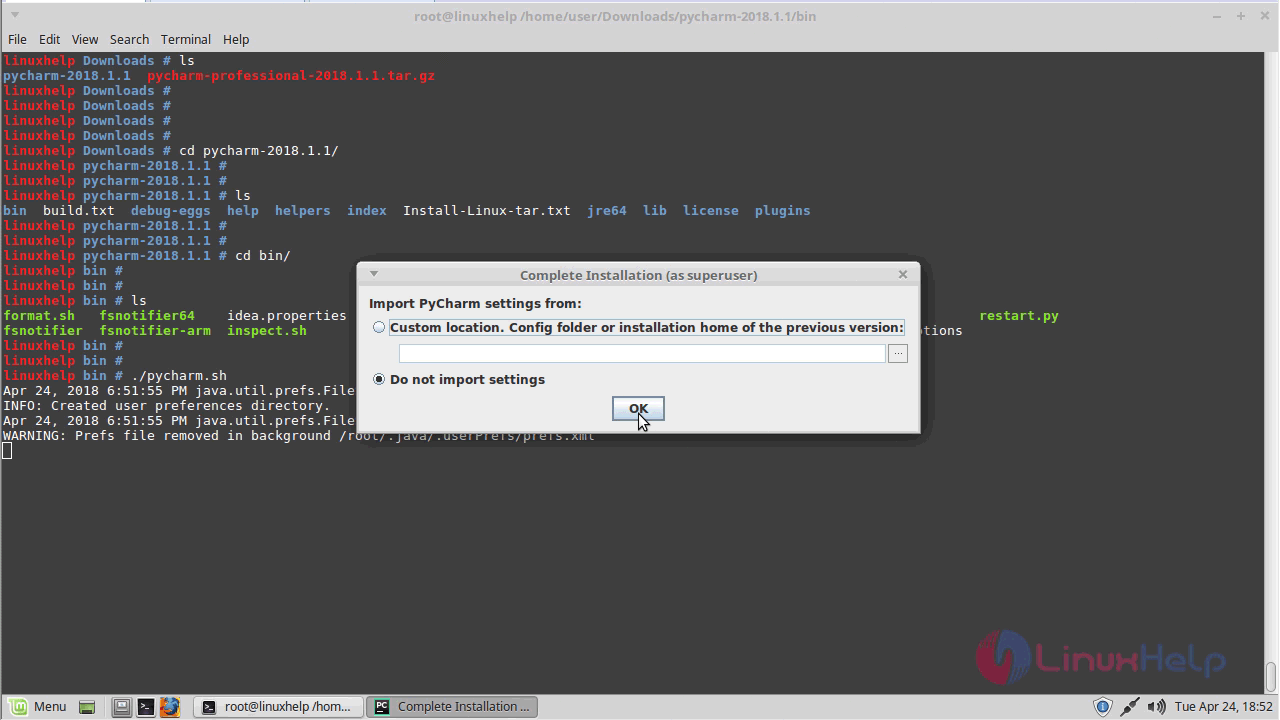
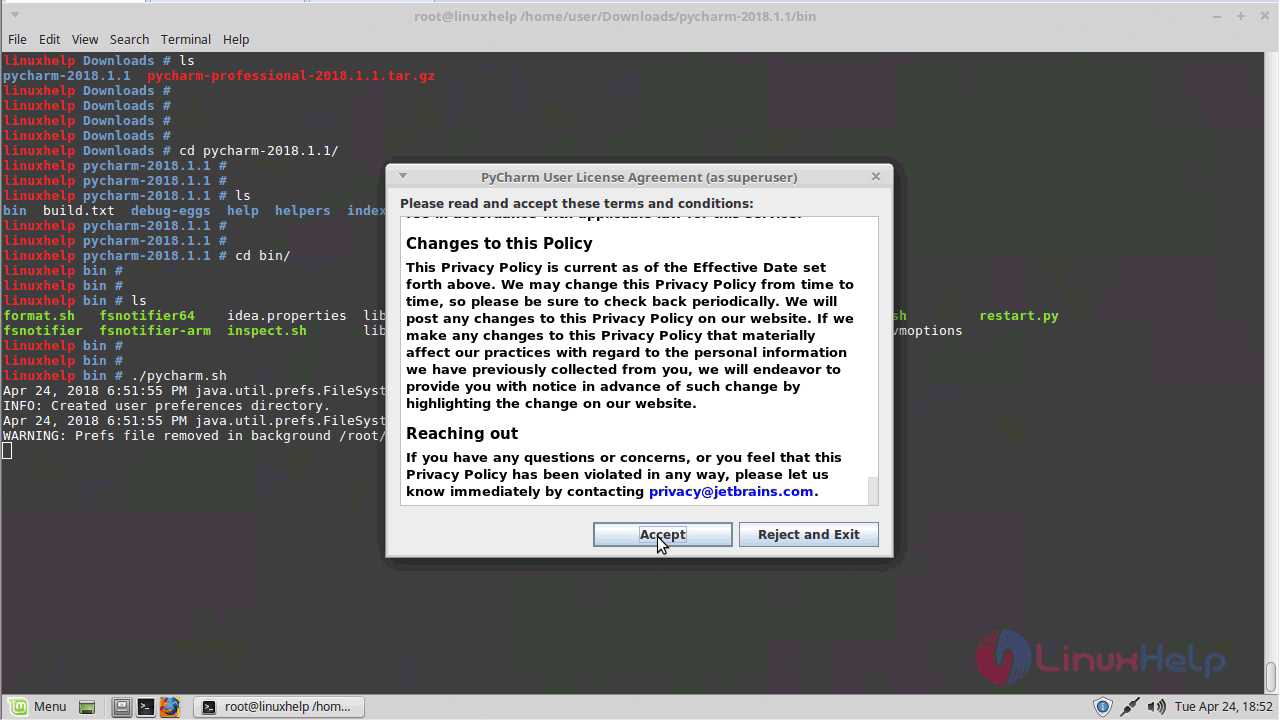
Here ti will show on term and conditions to using the Pycharm application
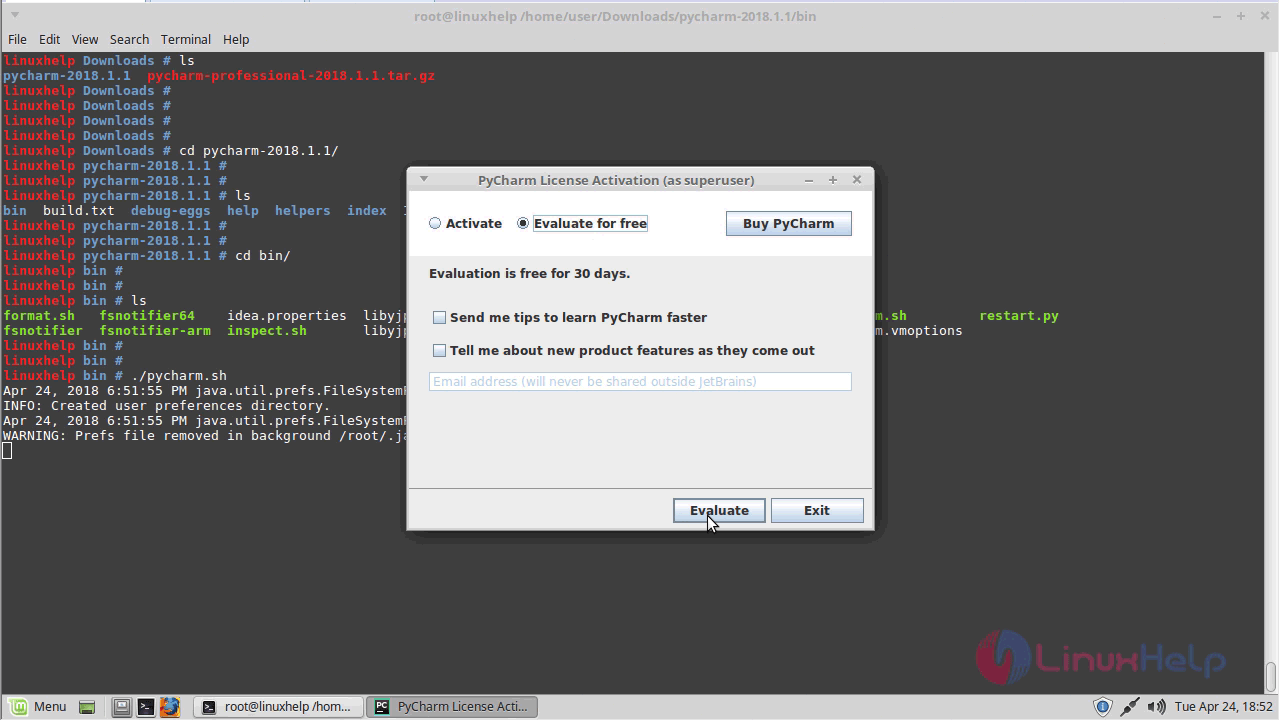
Here we have to select the License activation
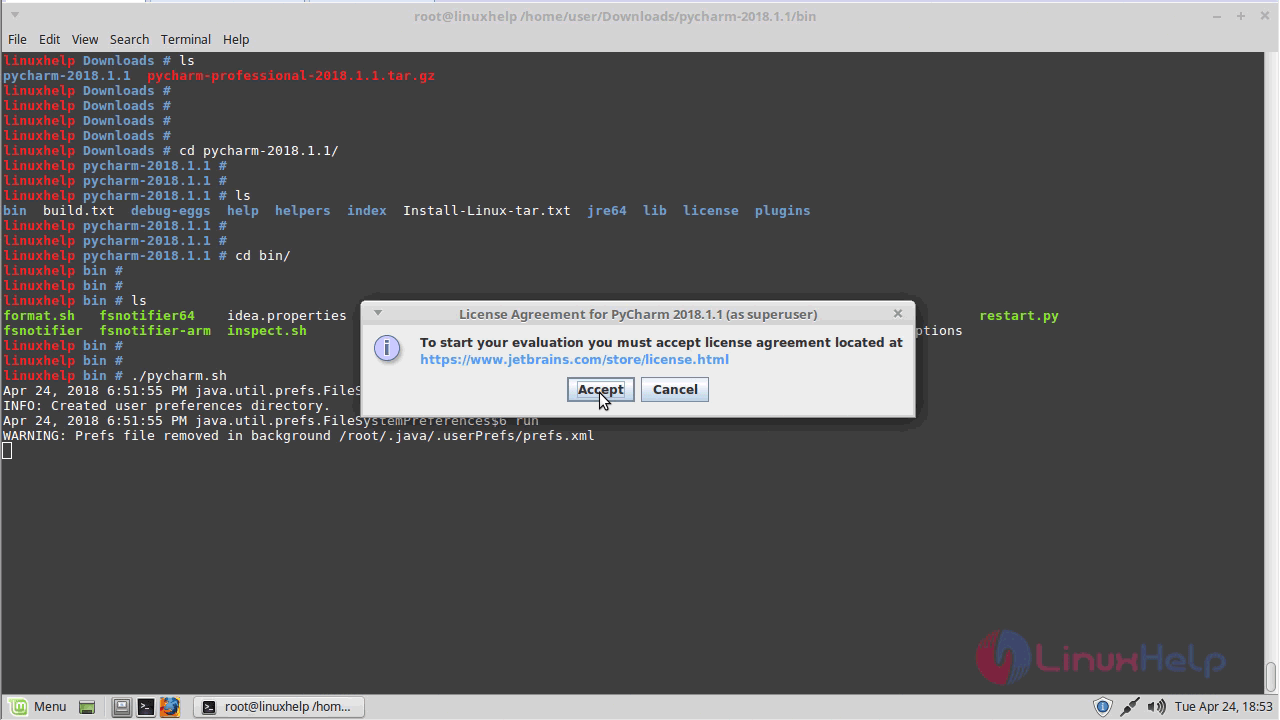
Here to accept the License agreement
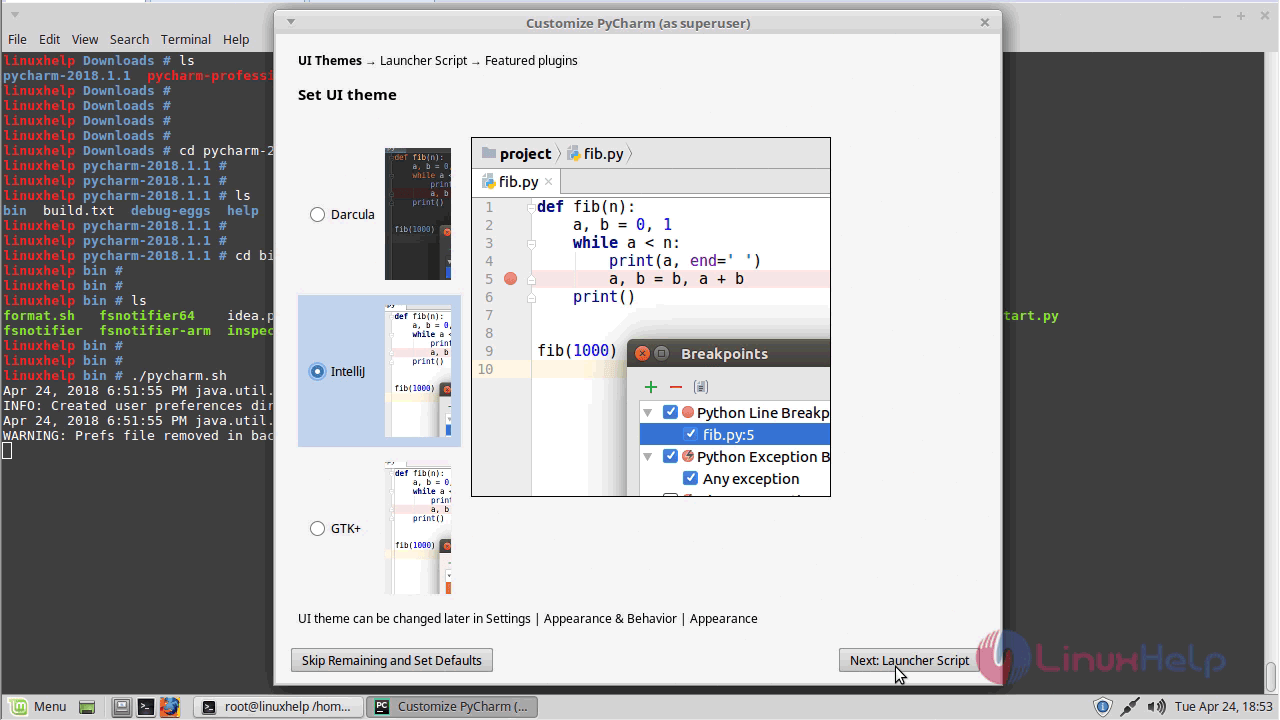
Here to choose the UI theme of the Pycharm application
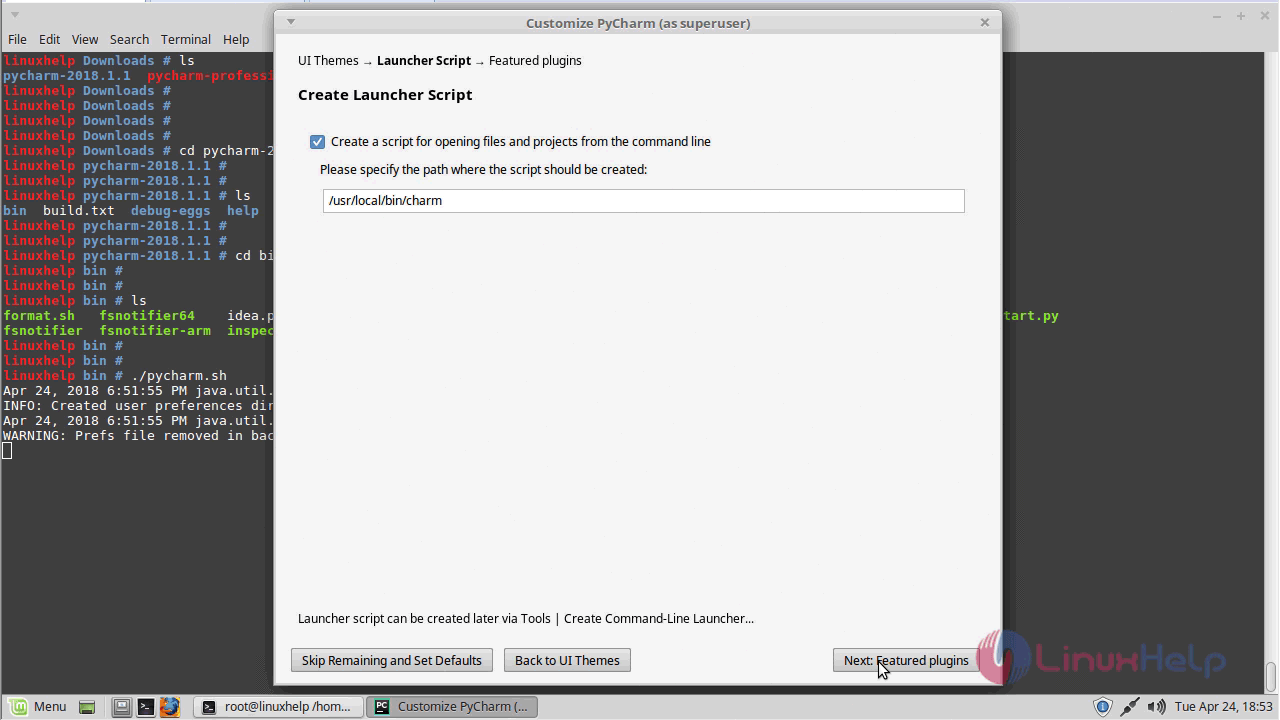
And then here to choose the location of creating script path
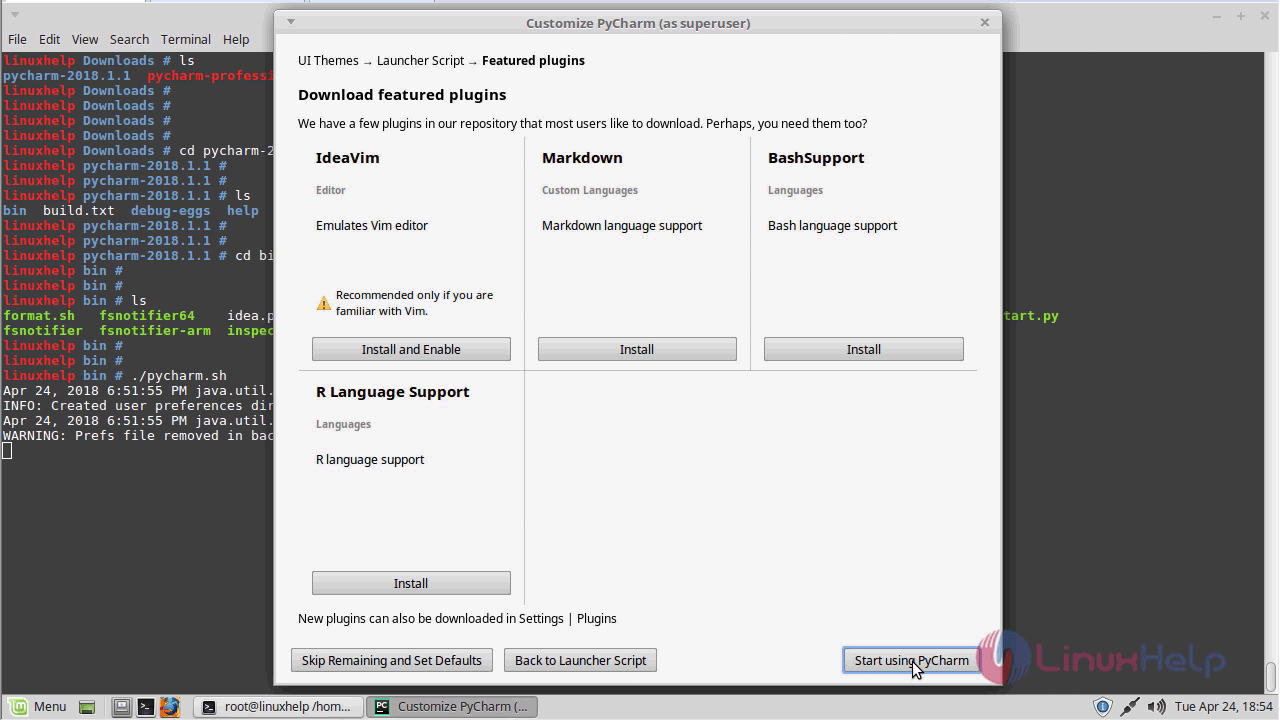
Here we have to install the plugins of Pycharm application
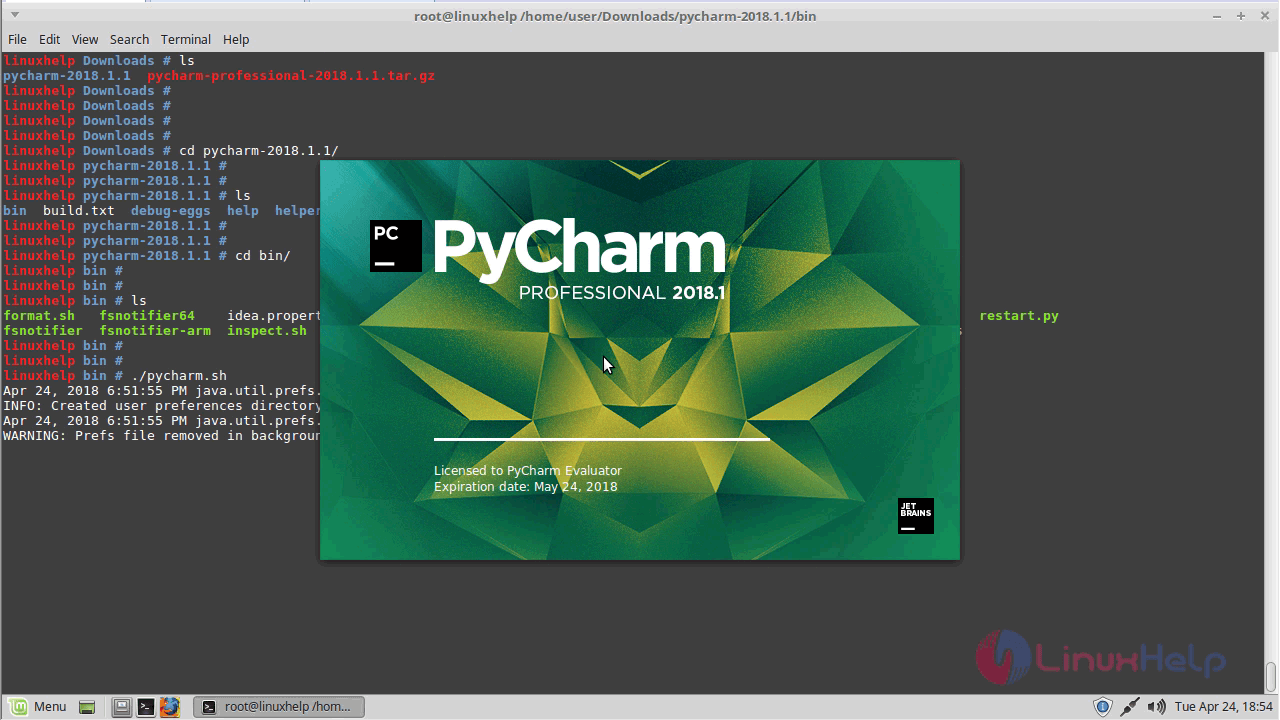
The application is initializing now
Here it will show the welcome page of the Pycharm application
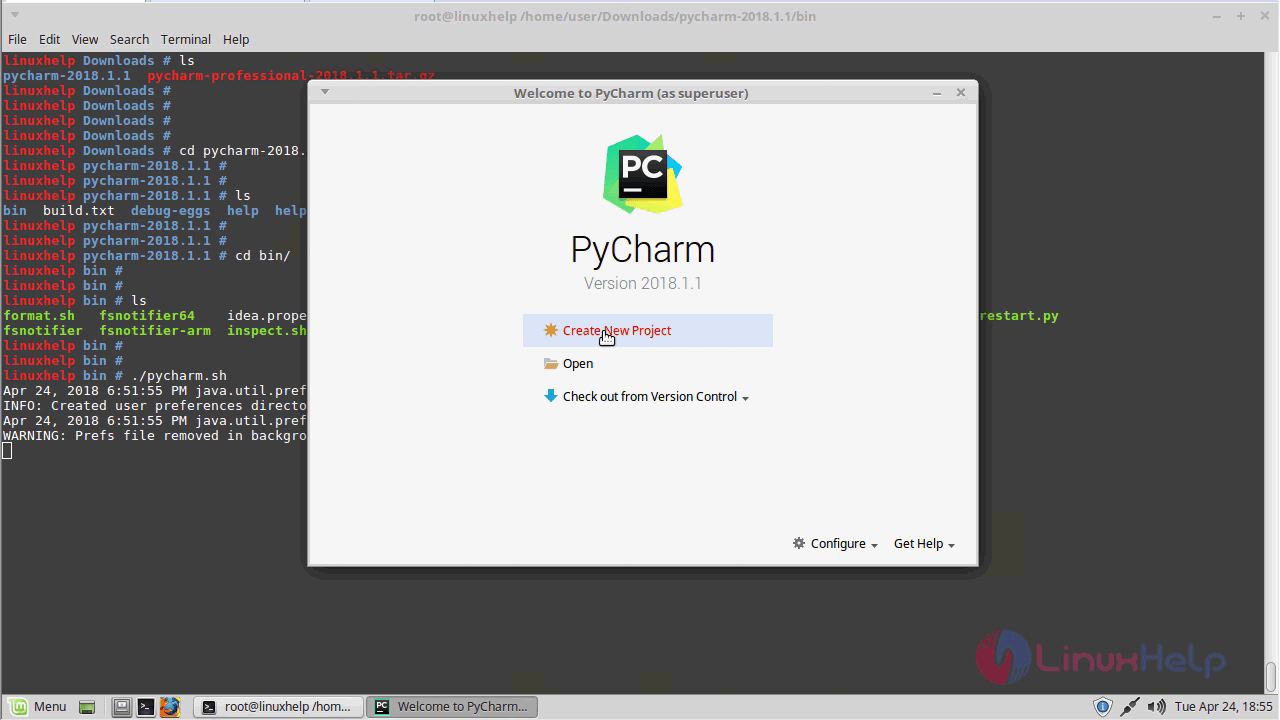
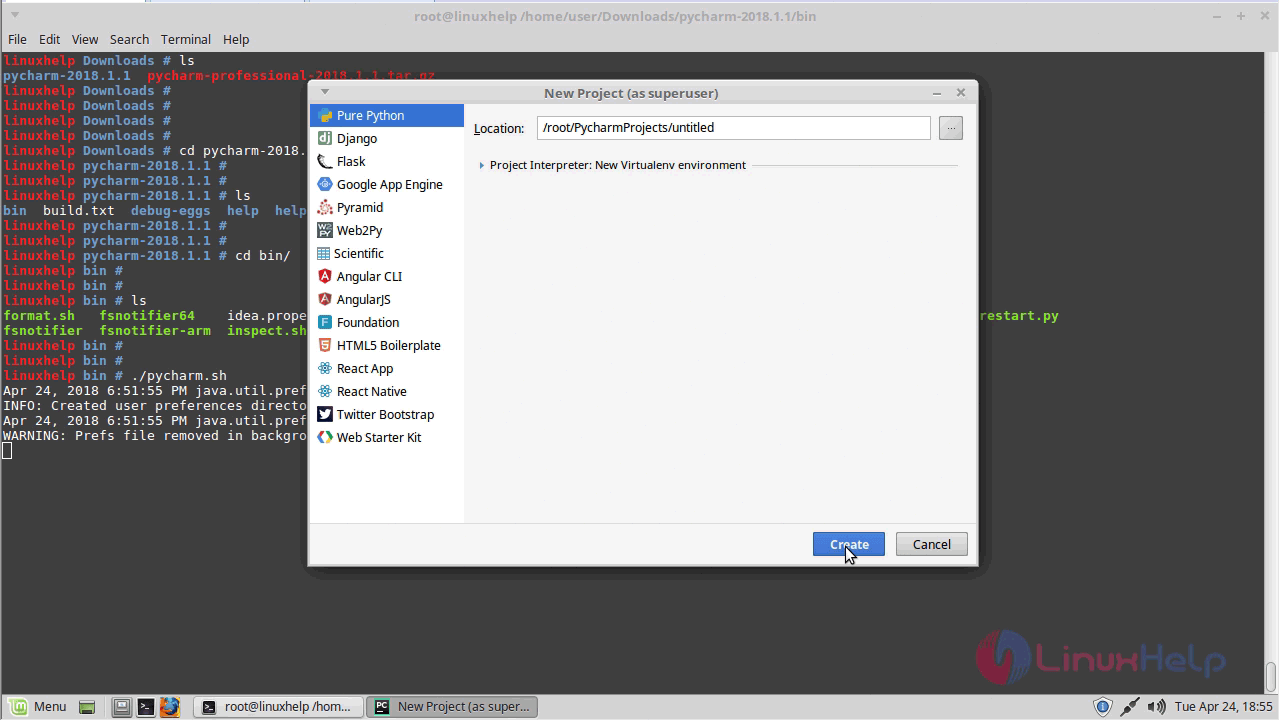
If you have to click the create a new project and then here to configure the creating project
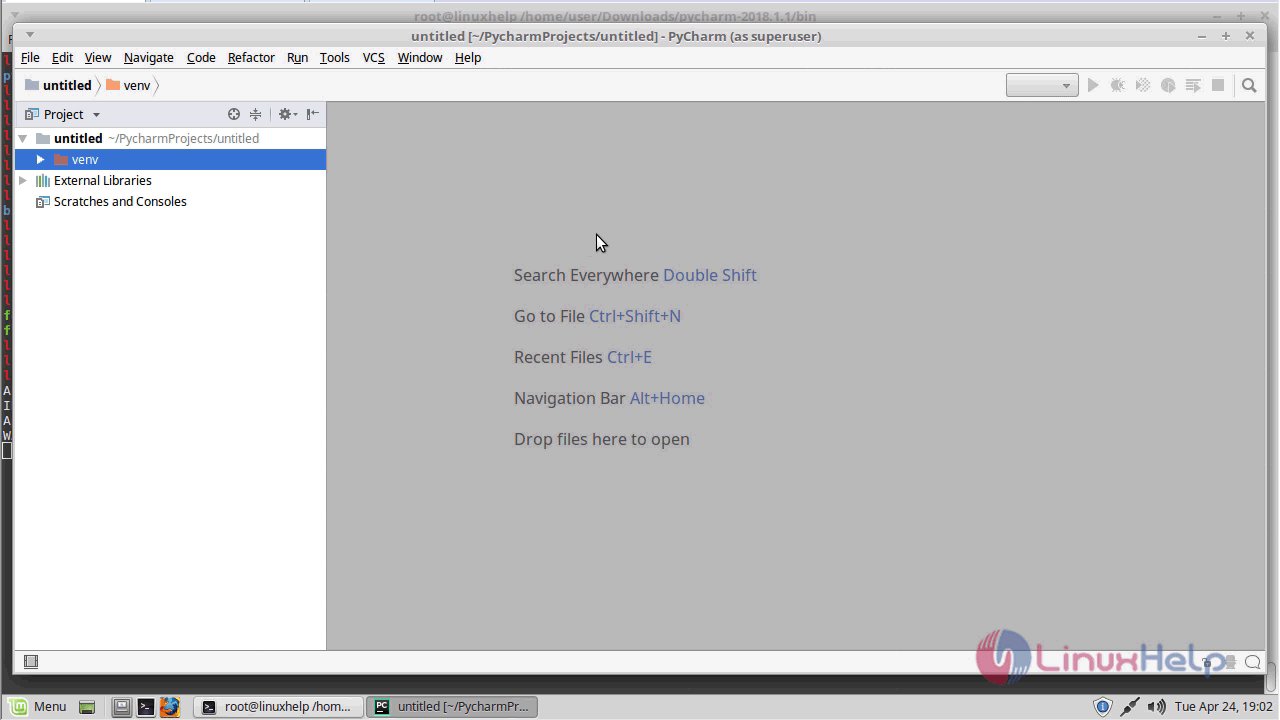
Now we get to open a Pycharm application
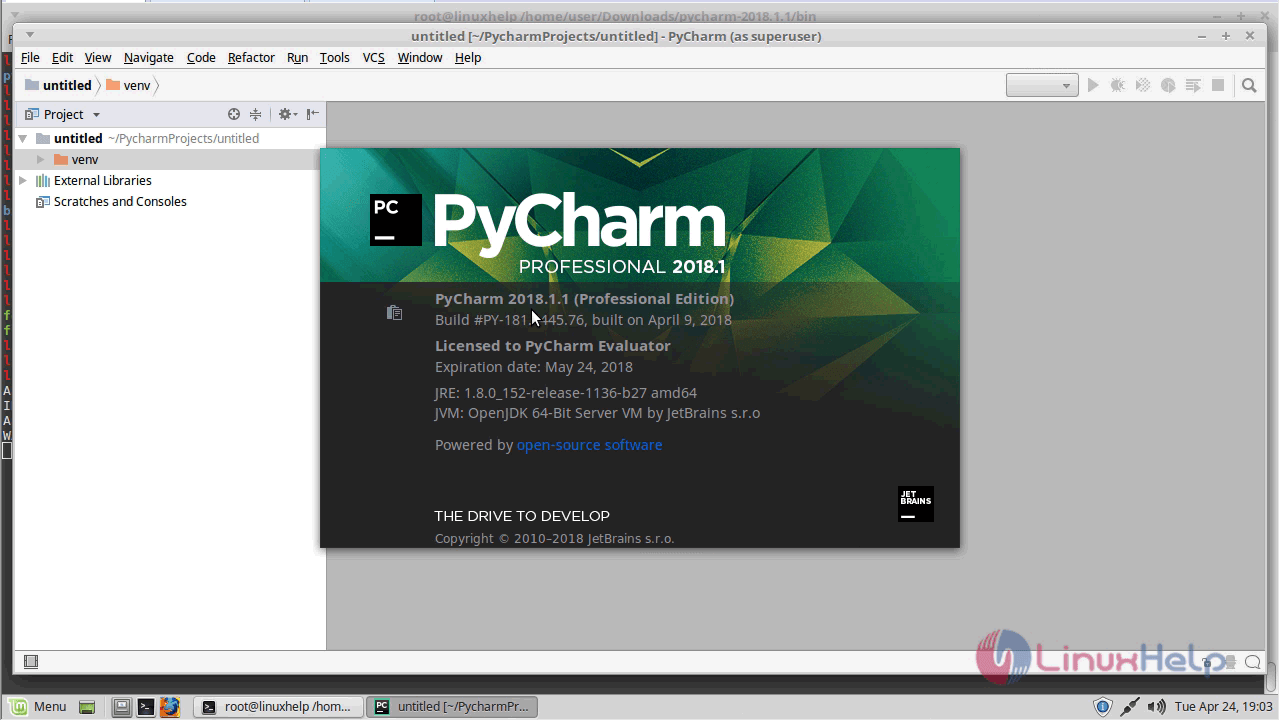
Here it will show in the version
Comments ( 0 )
No comments available