How to create RelationShips Between two Different Modules
How to Create Relationship Between two Different Module in SuiteCRM
Procedure to Create Relationship Between two Modules is as follows:
Navigate to admin panel
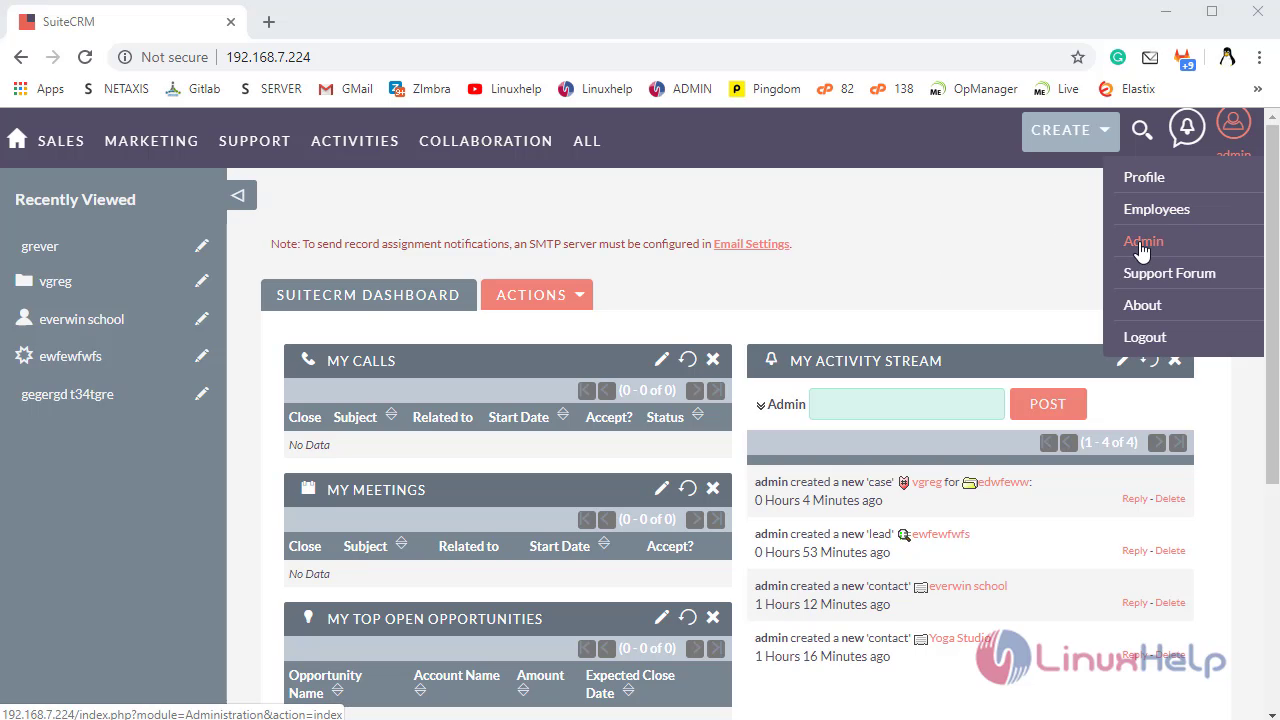
Under Developer Tools Click on Module Builder option
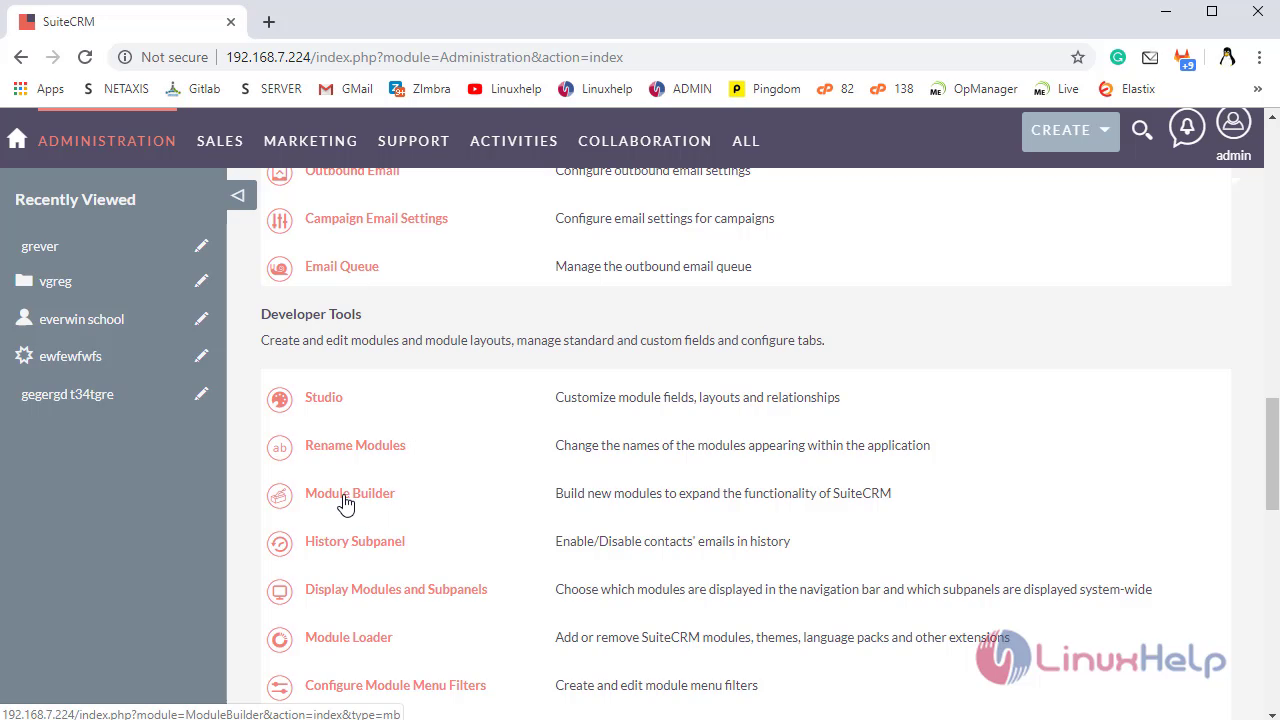
In Module builder click on the package, which has Deployed Custom Module
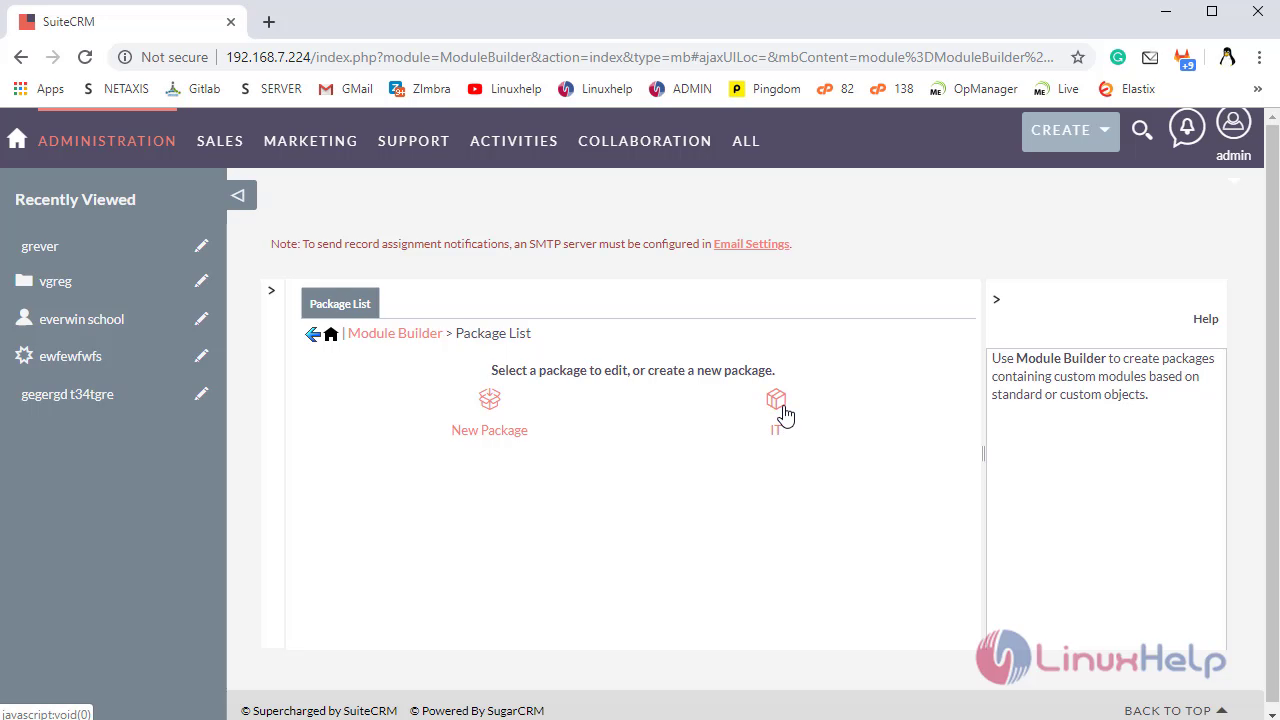
Click on your Custom Module
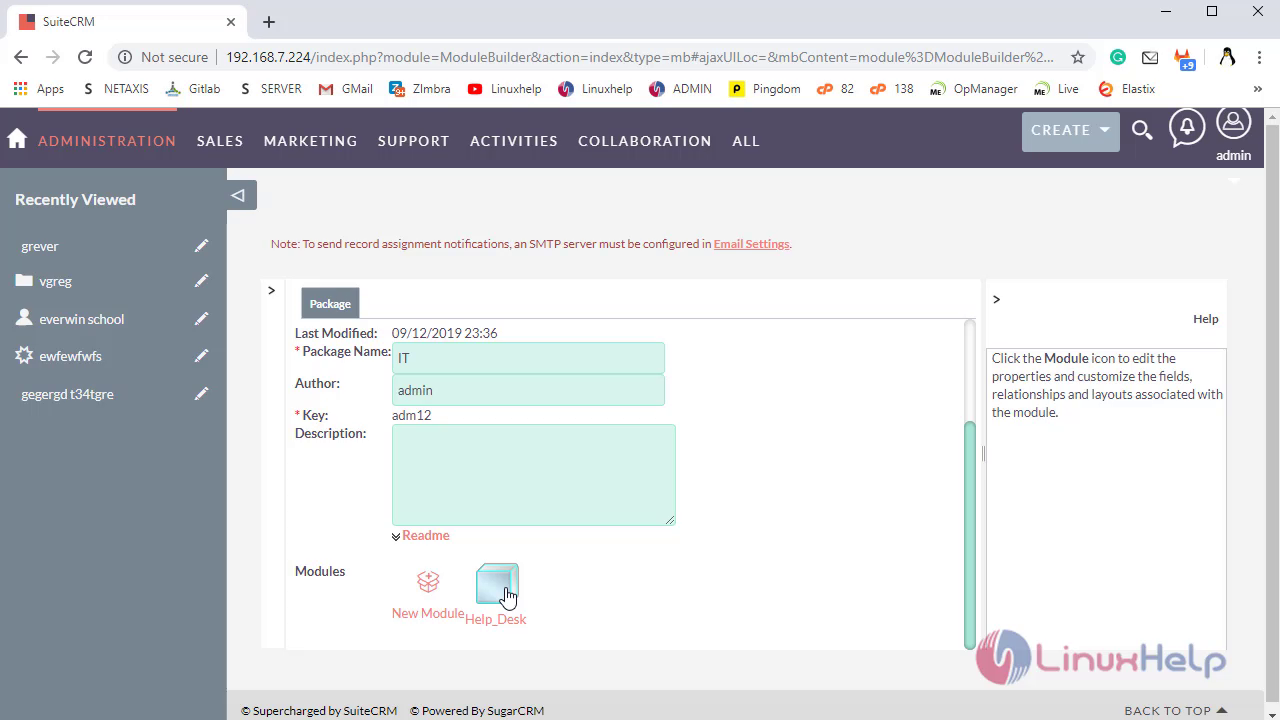
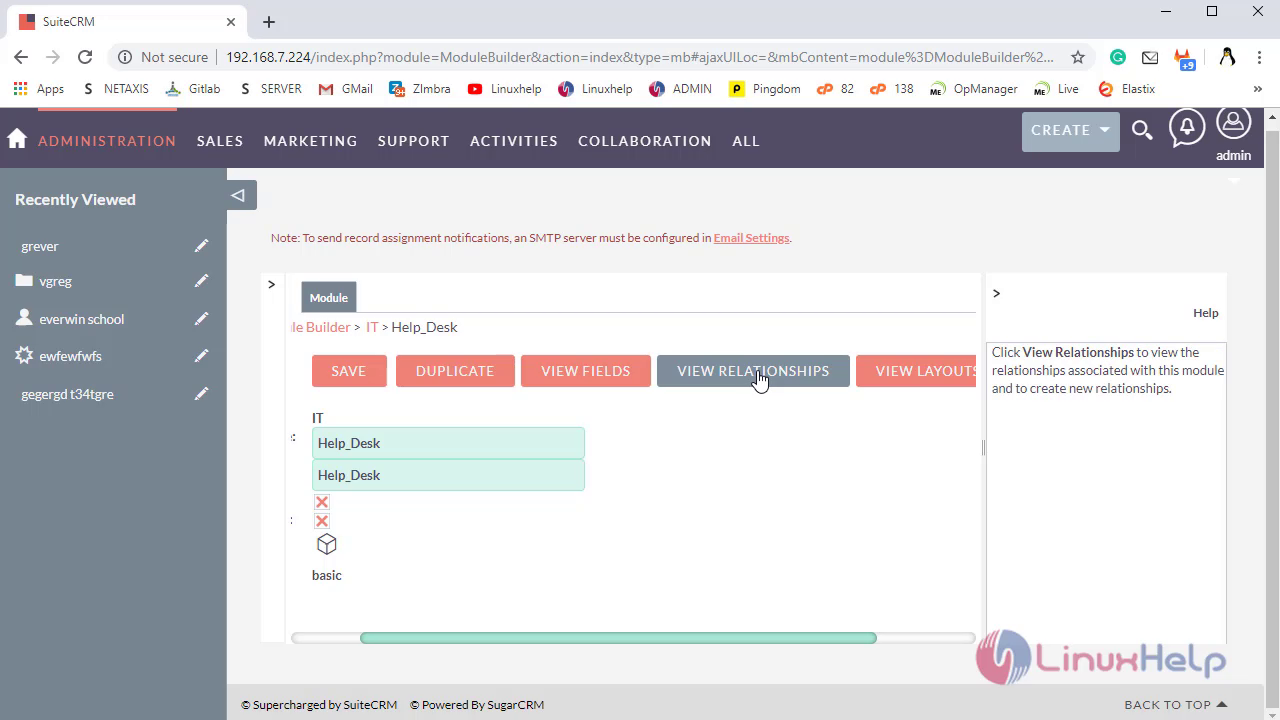
Click on View RelationShips to edit and view
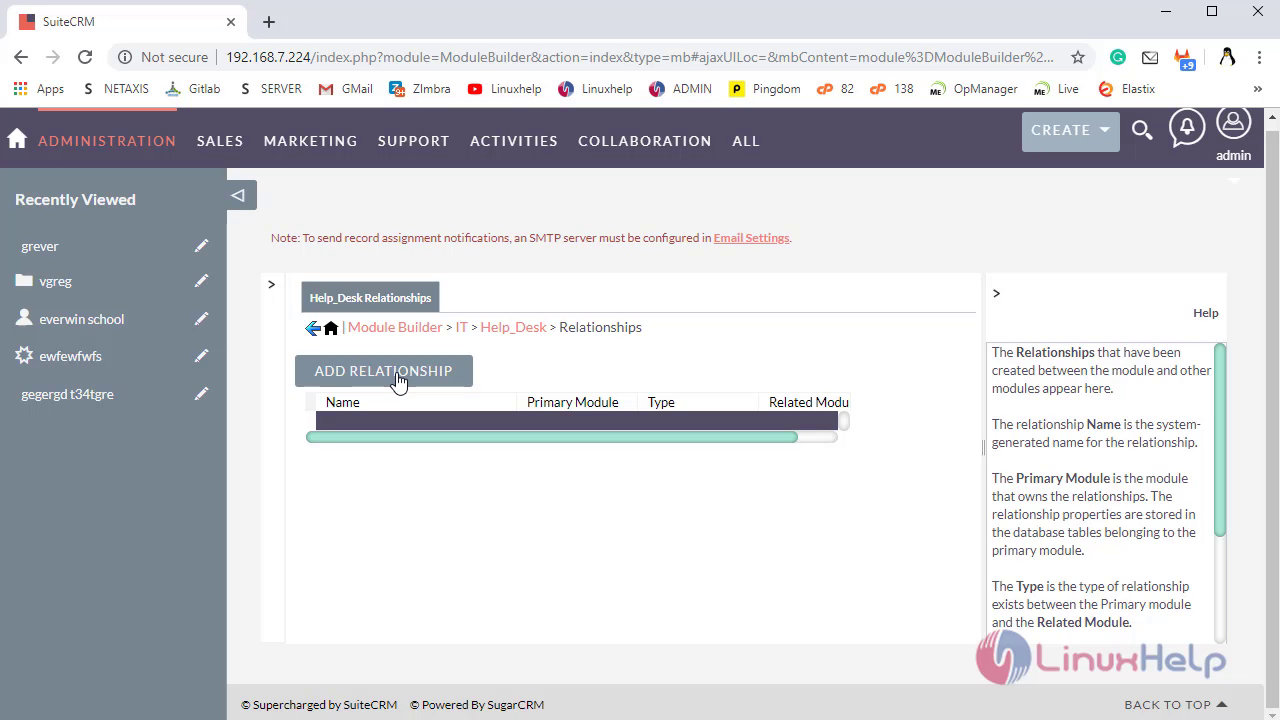
Click on Add Relationship to create New
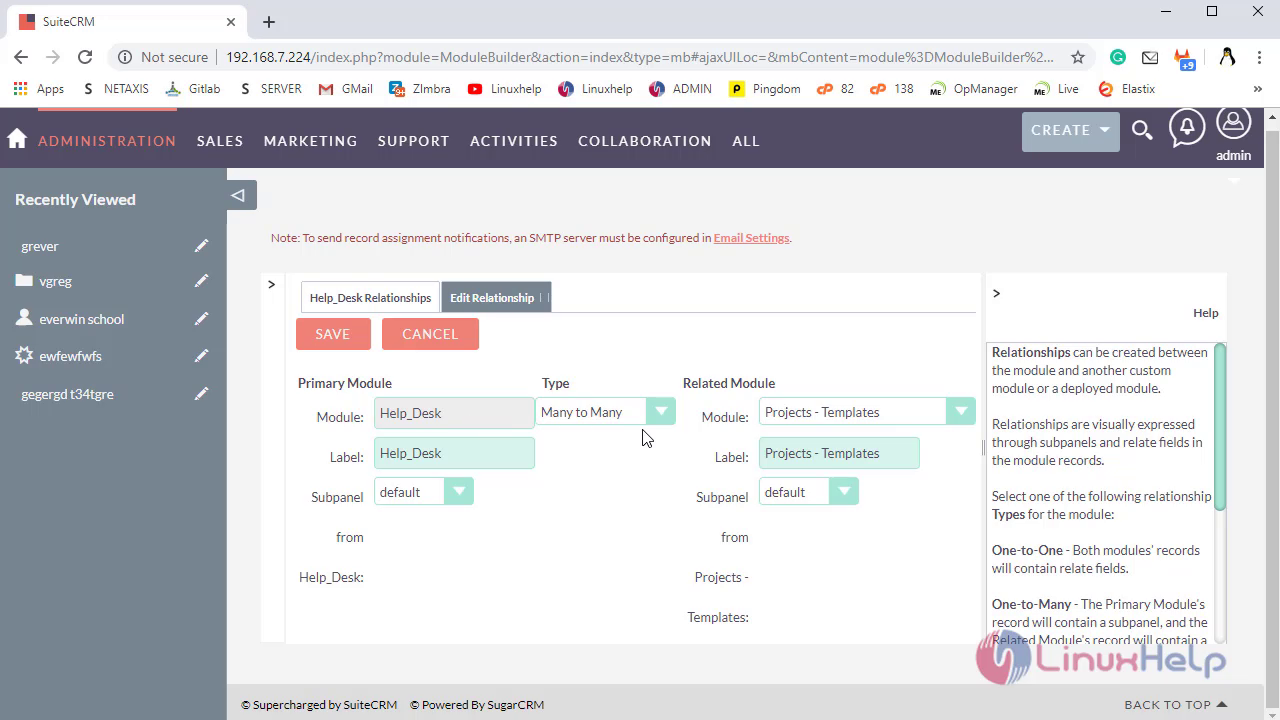
Select the RelationShip’s types for the Primary and Secondary Module Based on your requirements
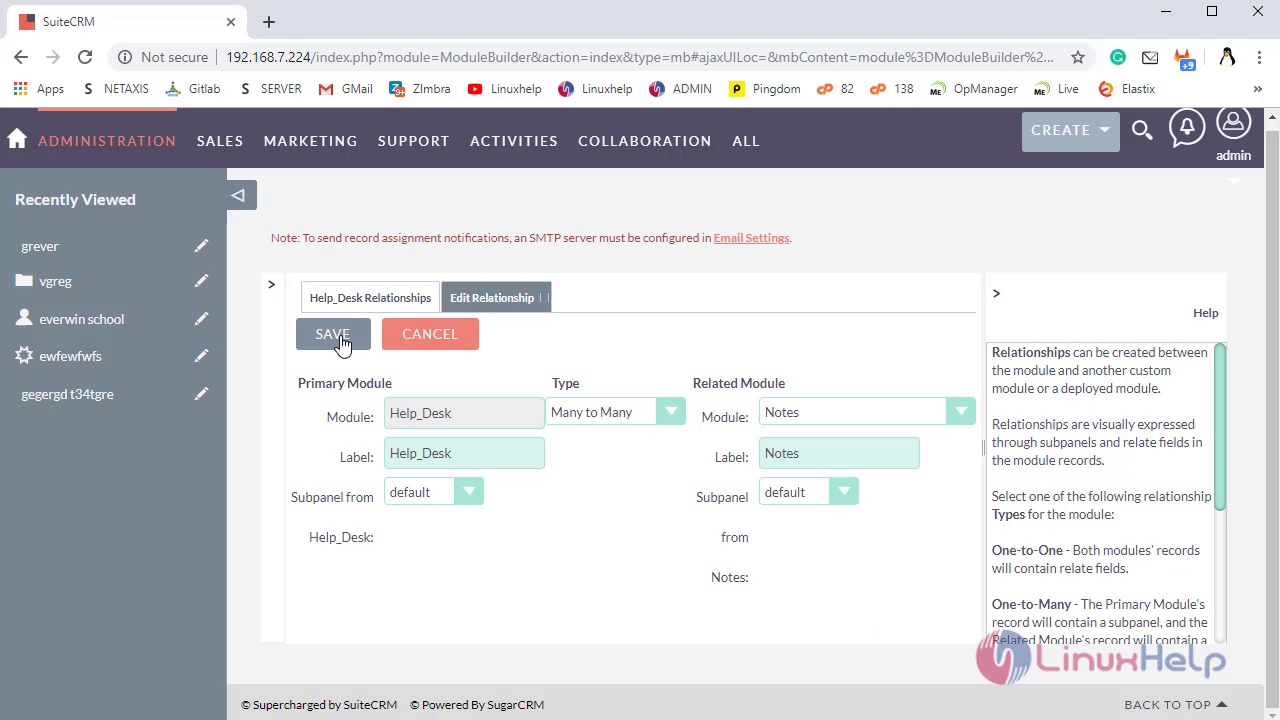
Click on Save to add the Relationship
Navigate to Package to Deploy the Updated Module
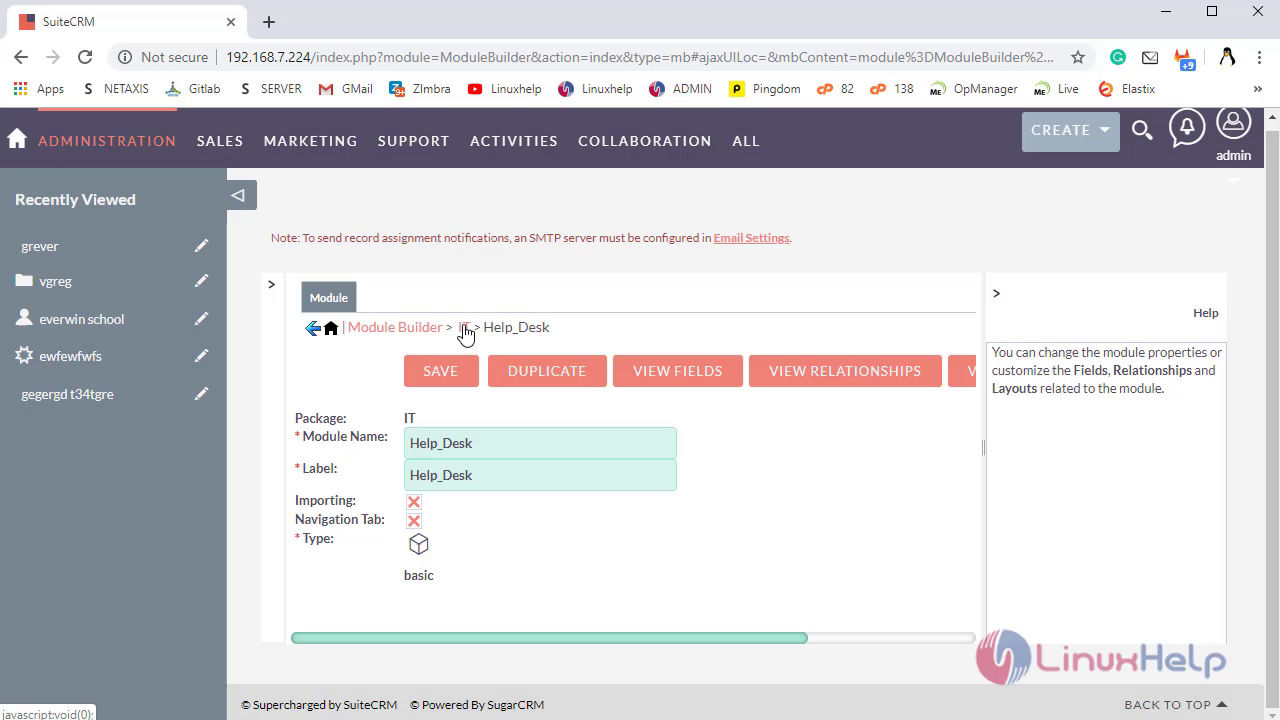
Click on Deploy to Install Module in Current Instance
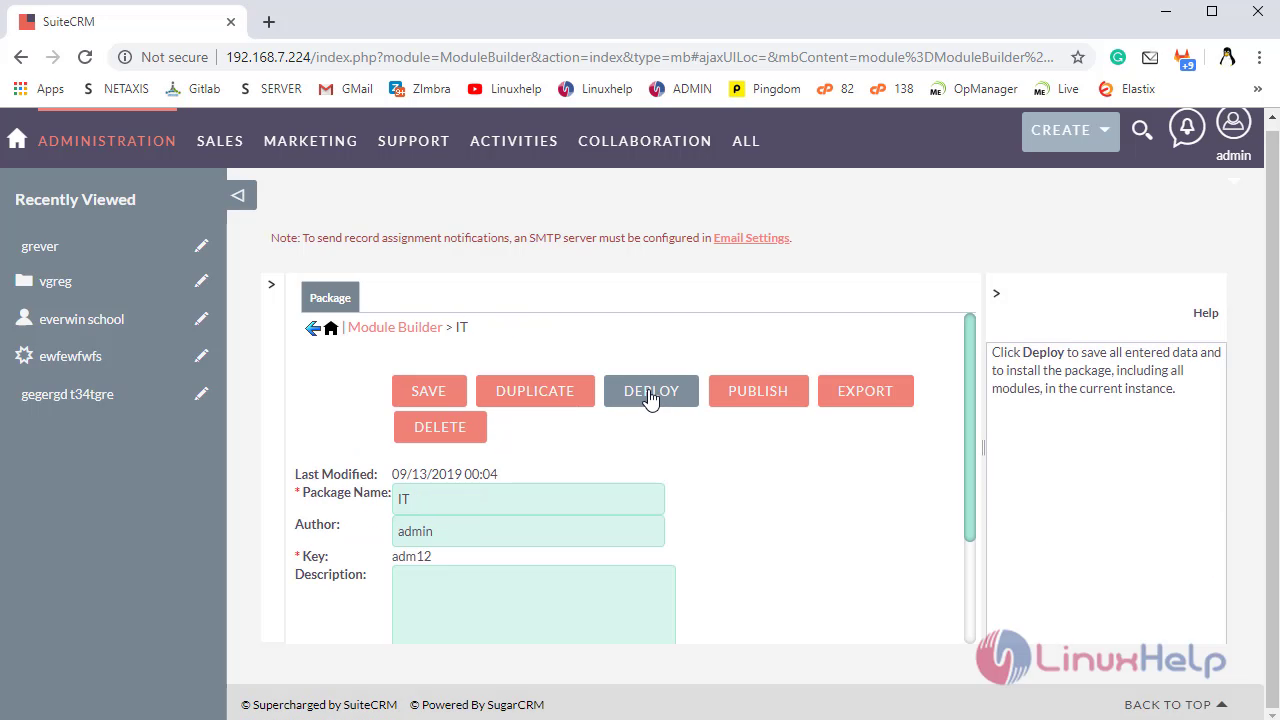
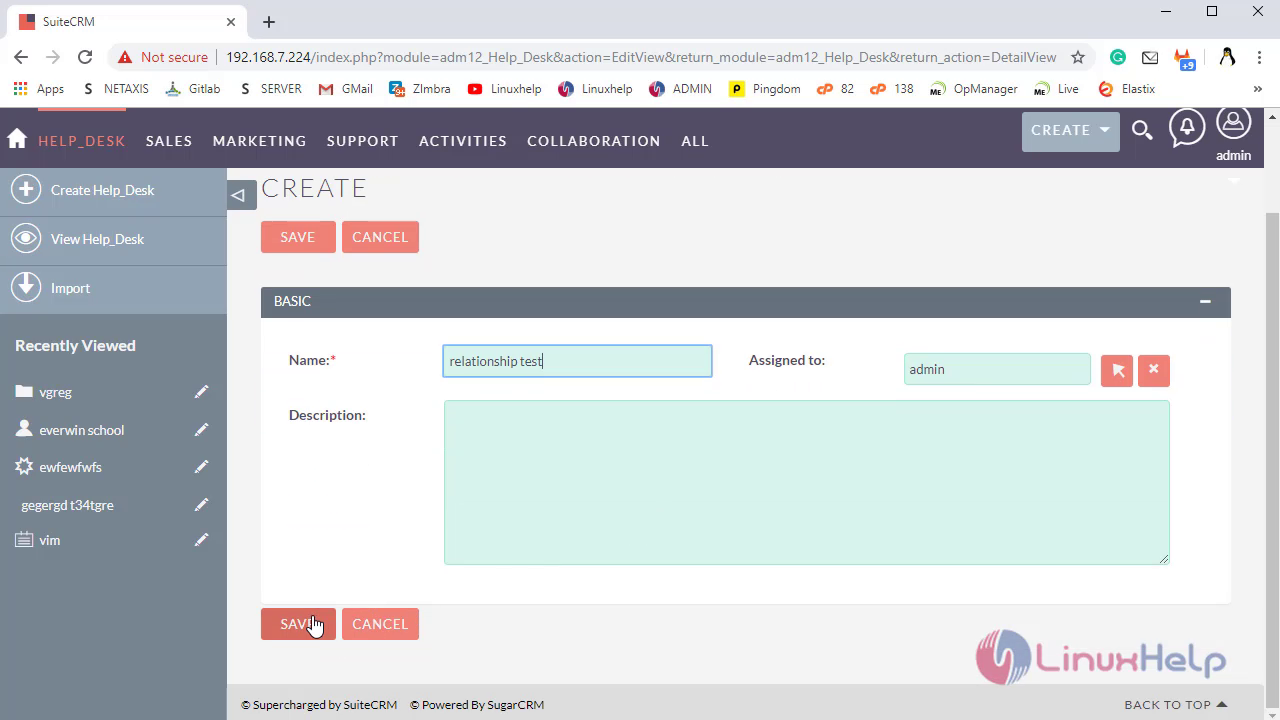
Navigate to Primary Module to check changes, where create Records then the subpanels will automatically added in the records
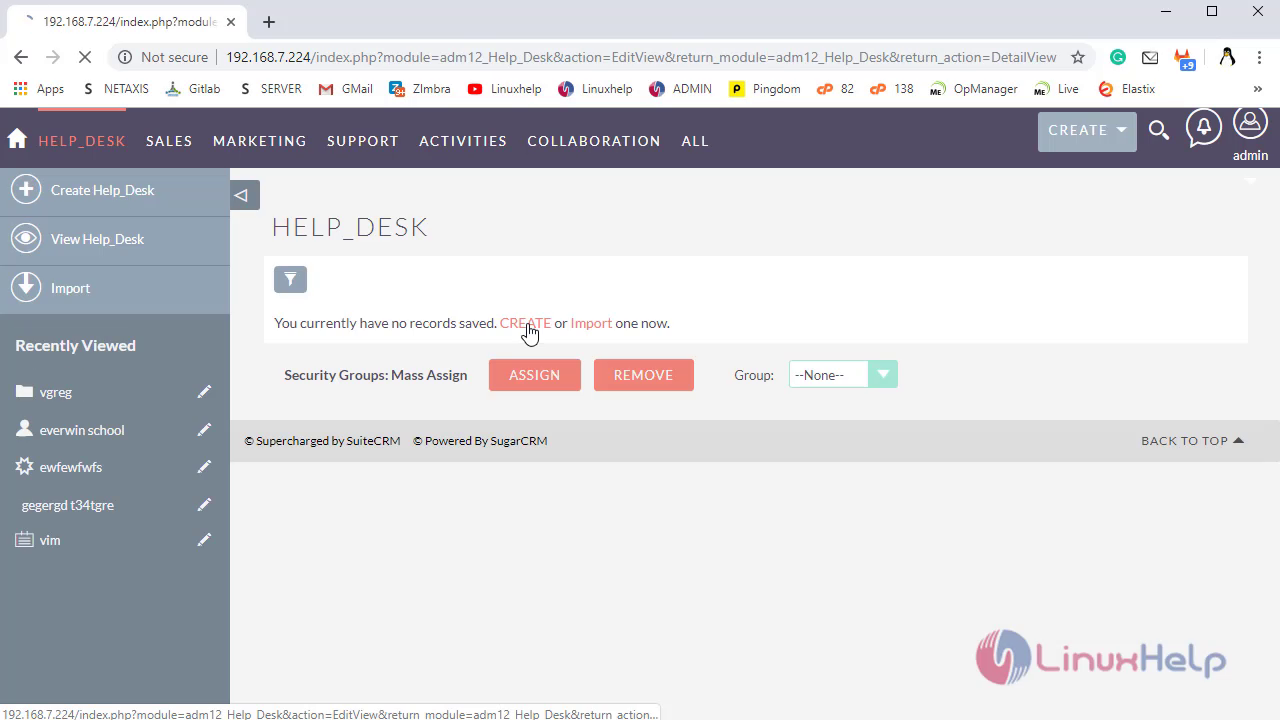
Fill the fields
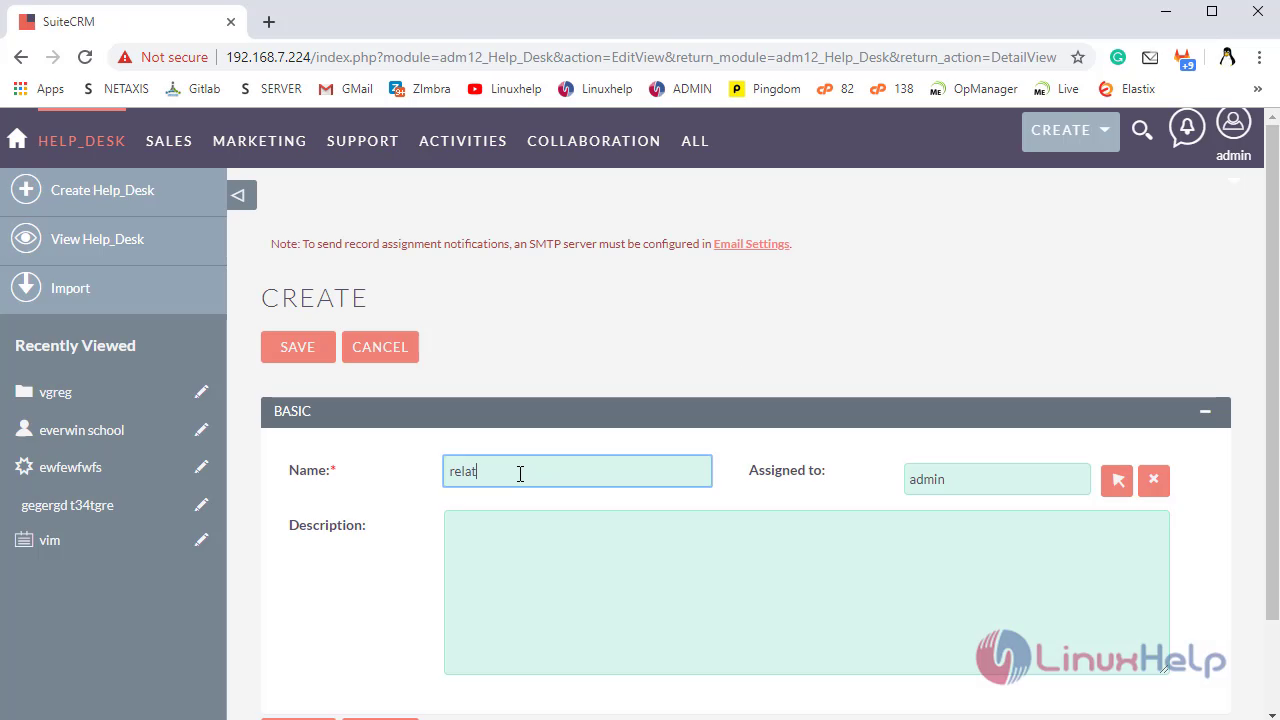
Click on save
Then check in the Record Related Module Subpanels will create Automatically
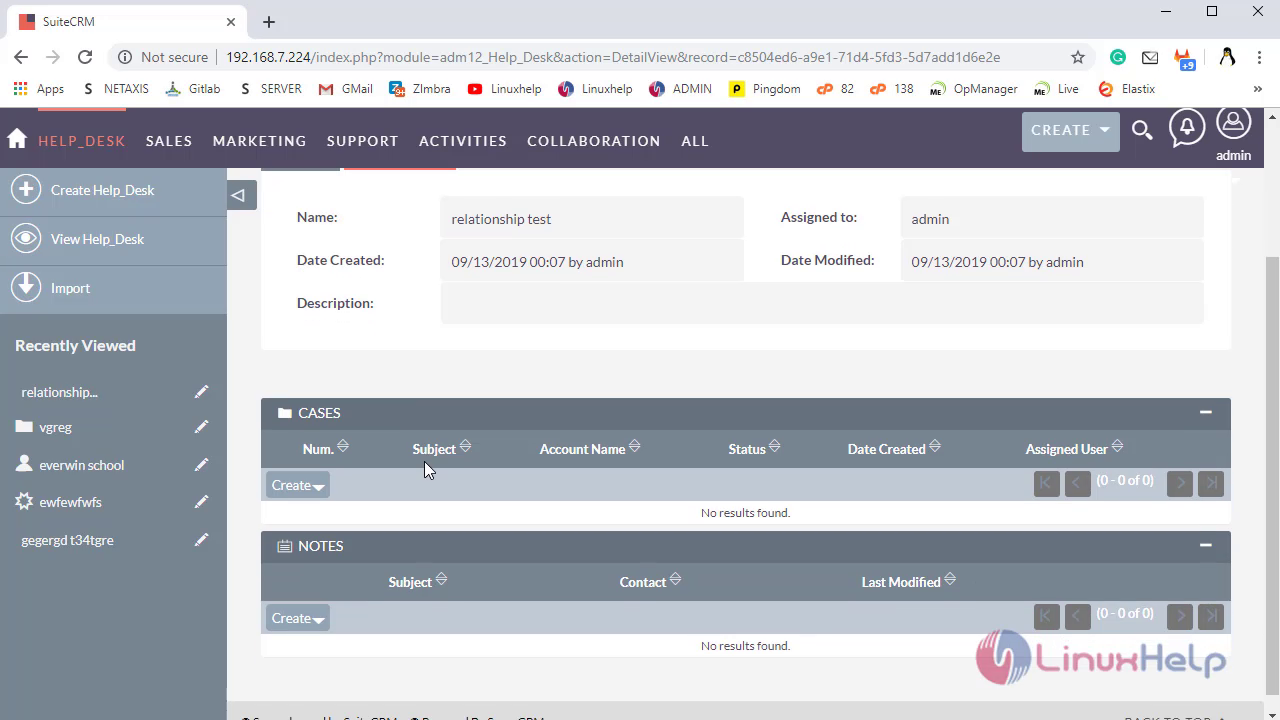
With this, The Method To Create Relationships Between two Different Module In Suite CRM comes to end
Comments ( 0 )
No comments available